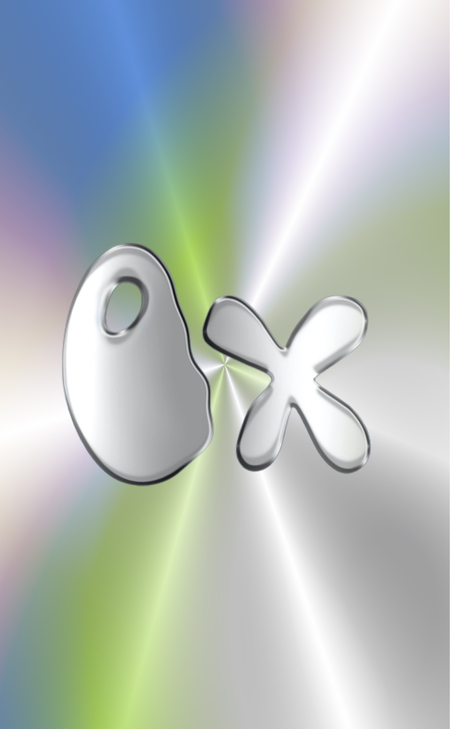
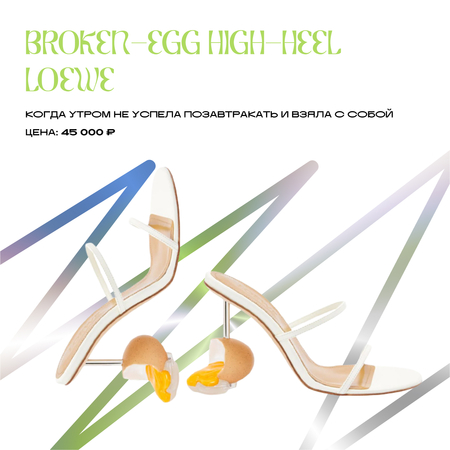
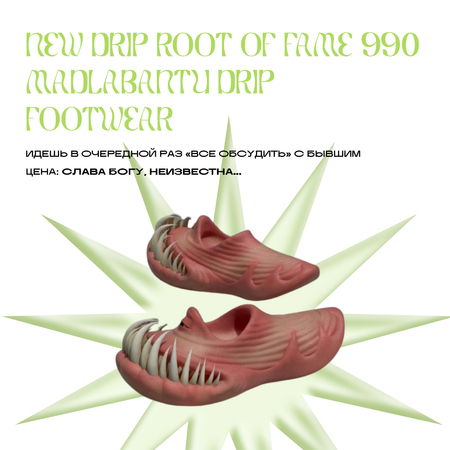
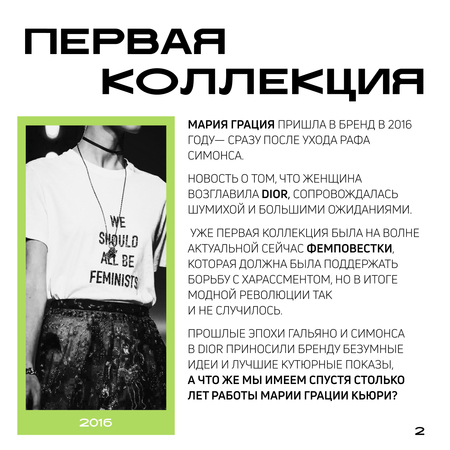
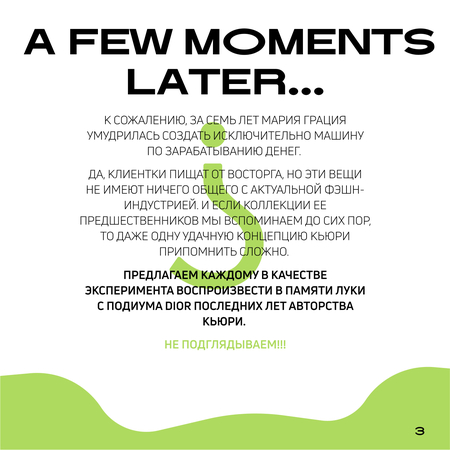
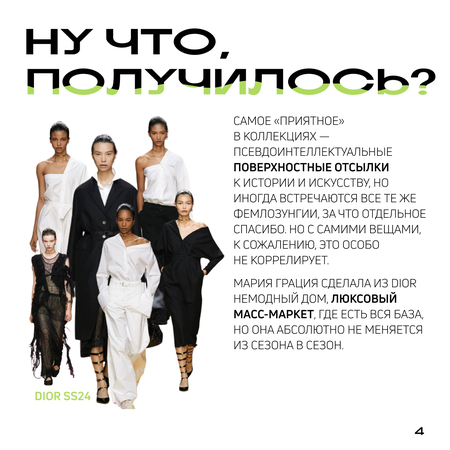
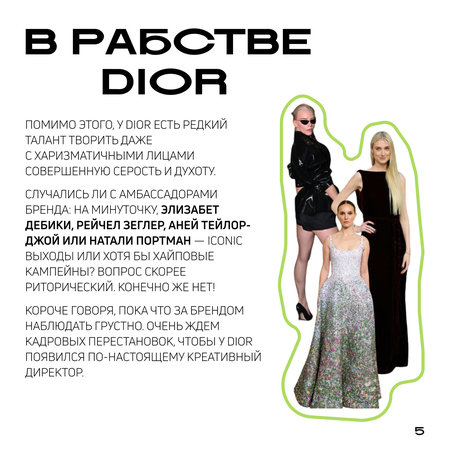
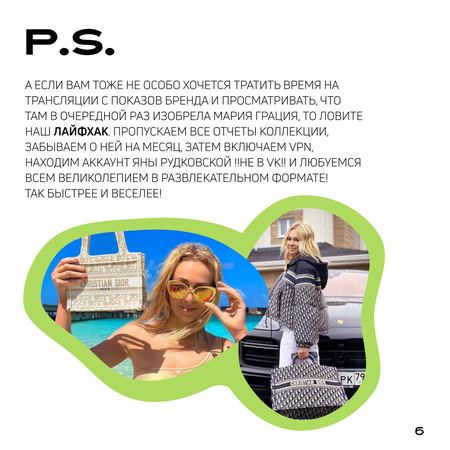
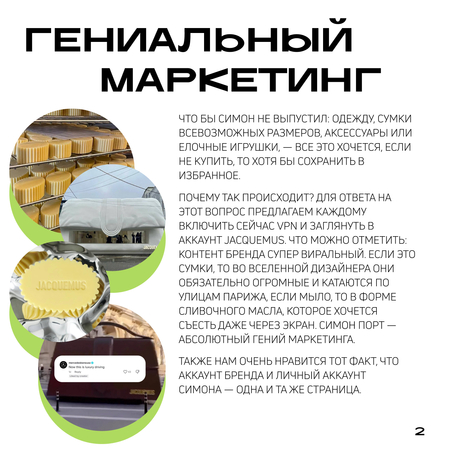
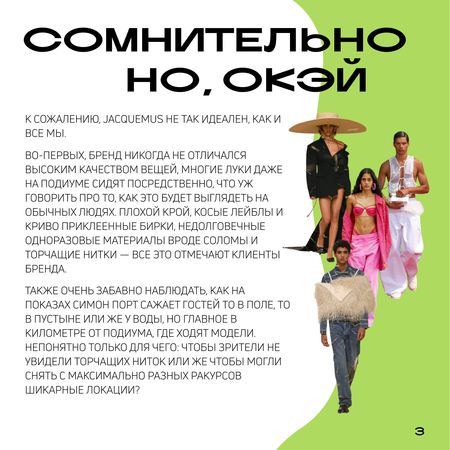
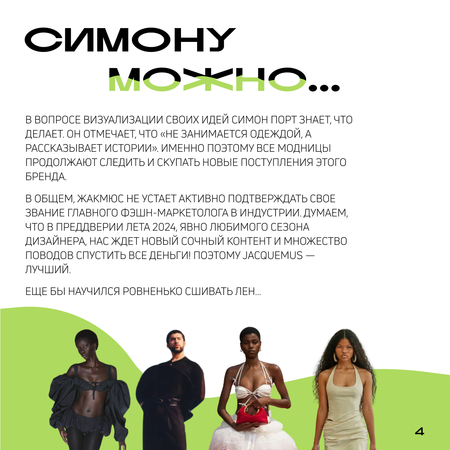
На начальном этапе у команды подкаста был готов только логотип. Передо мной стояла задача — сделать шаблоны карточек для Telegram-канала.
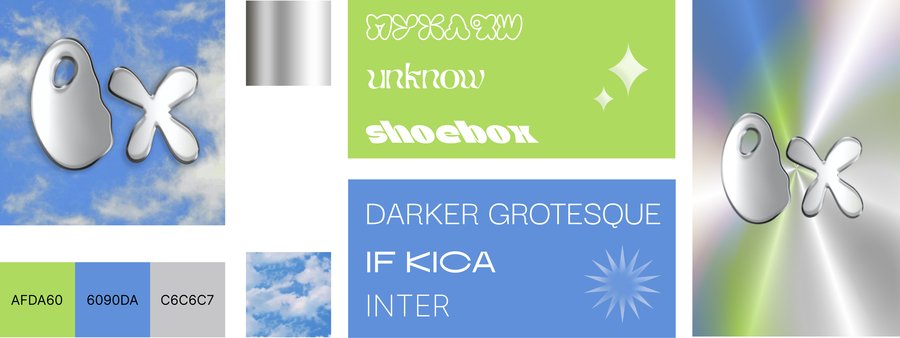
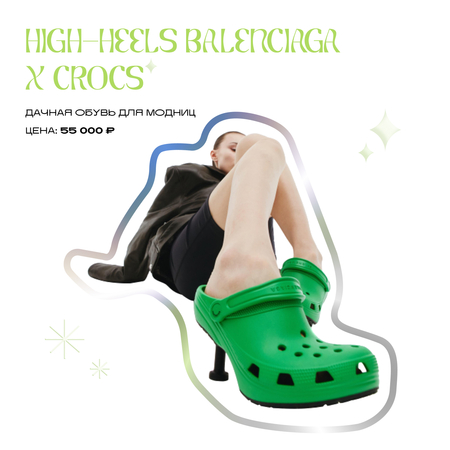
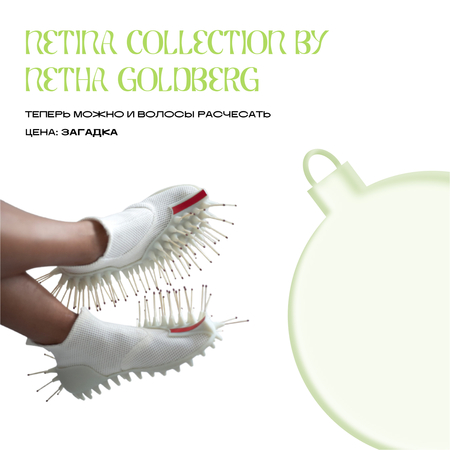
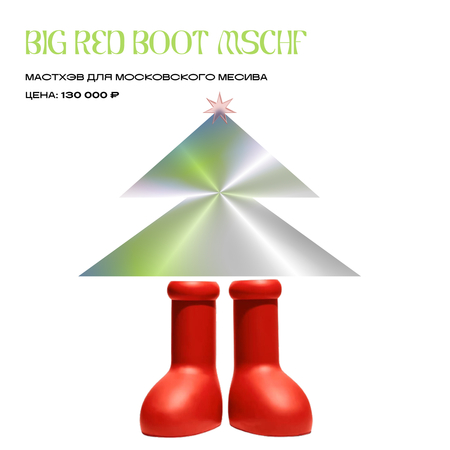
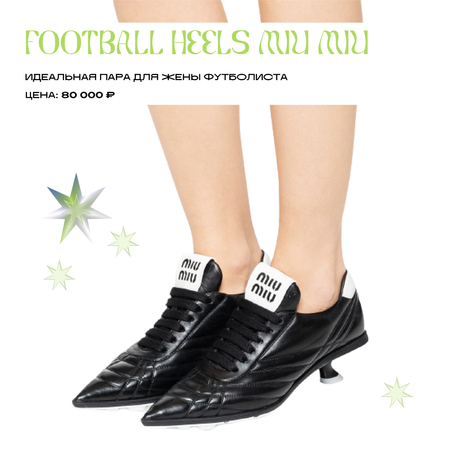
За основные цвета я взяла голубой, как на логотипе, и контрастный лаймовый. Так как буквы «ОХ» выполнены в фактуре металла, мне показалось, что они удачно сочетаются с голографическим эффектом, который можно применять в заливке различных элементов от линий, до полноценных фигур.
Как дополнительные элементы дизайна я выбрала звездочки с разным количеством вершин и применила к ним эффект имитации стекла. Также я подобрала акцидентный шрифт для заголовка Unknow, а за основной взяла — IF Kica.
Мы используем файлы cookies для улучшения работы сайта и большего удобства его использования. Более подробную информац...
Показать больше
Press space bar to start a drag.
When dragging you can use the arrow keys to move the item around and escape to cancel.
Some screen readers may require you to be in focus mode or to use your pass through key
Press space bar to start a drag.
When dragging you can use the arrow keys to move the item around and escape to cancel.
Some screen readers may require you to be in focus mode or to use your pass through key
Press space bar to start a drag.
When dragging you can use the arrow keys to move the item around and escape to cancel.
Some screen readers may require you to be in focus mode or to use your pass through key
Press space bar to start a drag.
When dragging you can use the arrow keys to move the item around and escape to cancel.
Some screen readers may require you to be in focus mode or to use your pass through key
Press space bar to start a drag.
When dragging you can use the arrow keys to move the item around and escape to cancel.
Some screen readers may require you to be in focus mode or to use your pass through key
Press space bar to start a drag.
When dragging you can use the arrow keys to move the item around and escape to cancel.
Some screen readers may require you to be in focus mode or to use your pass through key
Press space bar to start a drag.
When dragging you can use the arrow keys to move the item around and escape to cancel.
Some screen readers may require you to be in focus mode or to use your pass through key
Press space bar to start a drag.
When dragging you can use the arrow keys to move the item around and escape to cancel.
Some screen readers may require you to be in focus mode or to use your pass through key
Press space bar to start a drag.
When dragging you can use the arrow keys to move the item around and escape to cancel.
Some screen readers may require you to be in focus mode or to use your pass through key