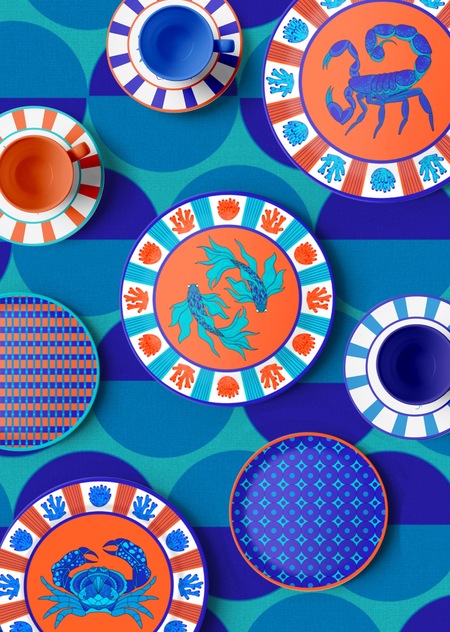
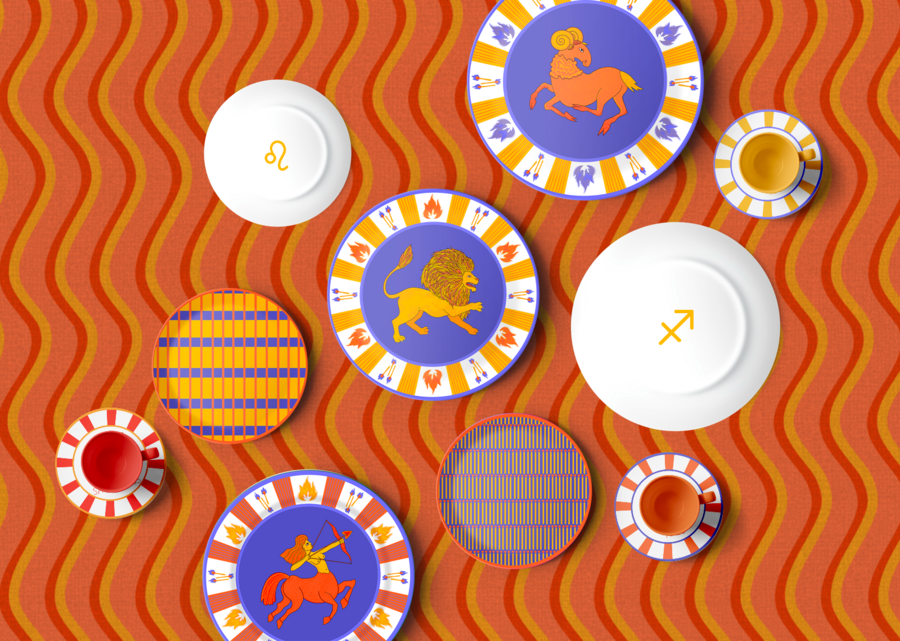
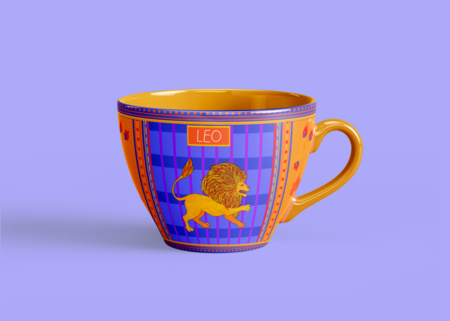
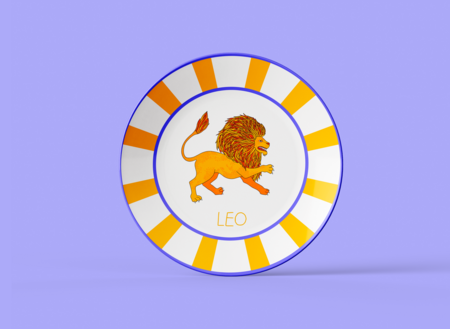
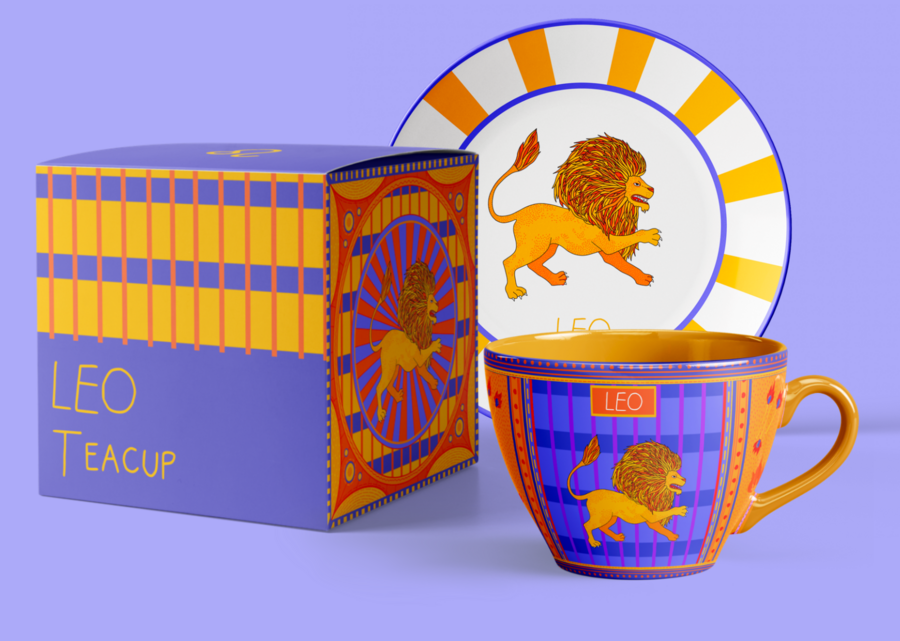
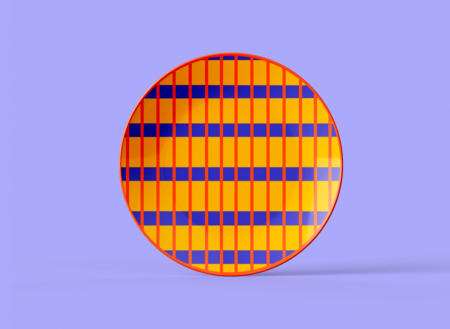
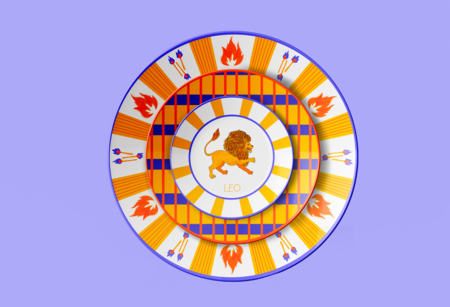
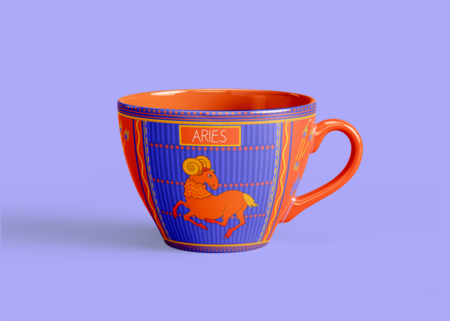
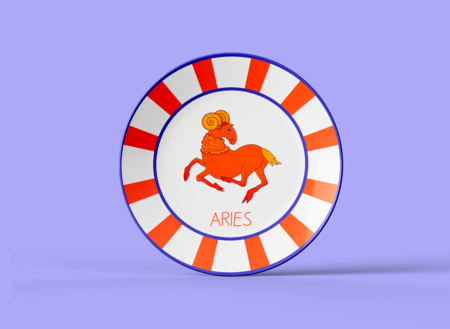
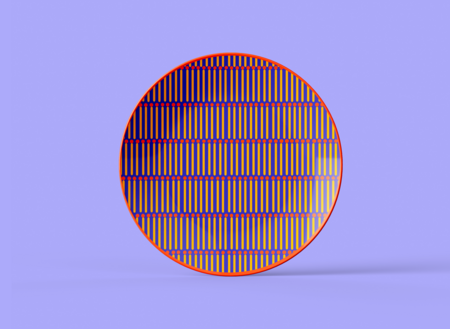
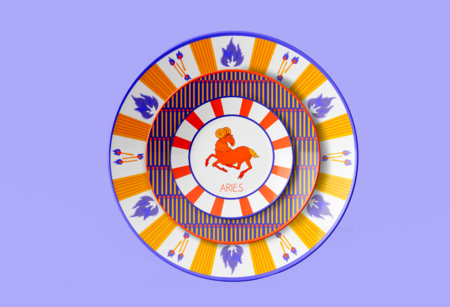
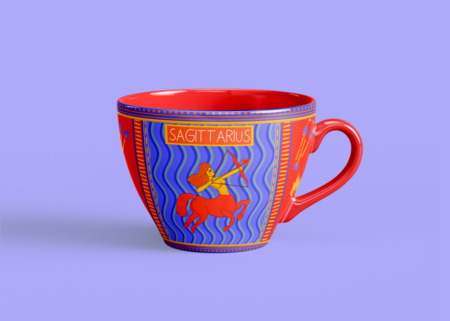
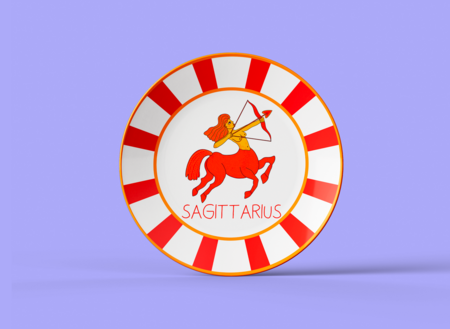
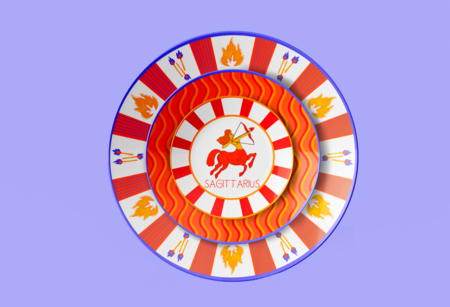
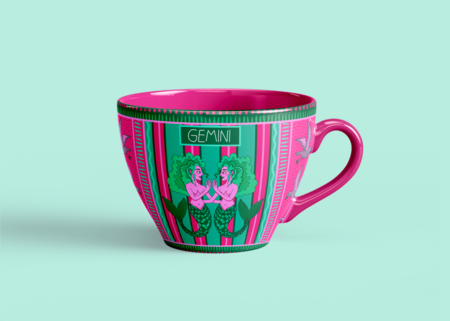
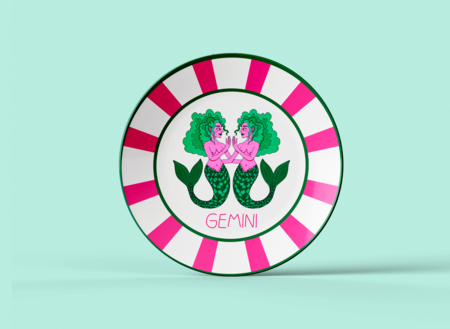
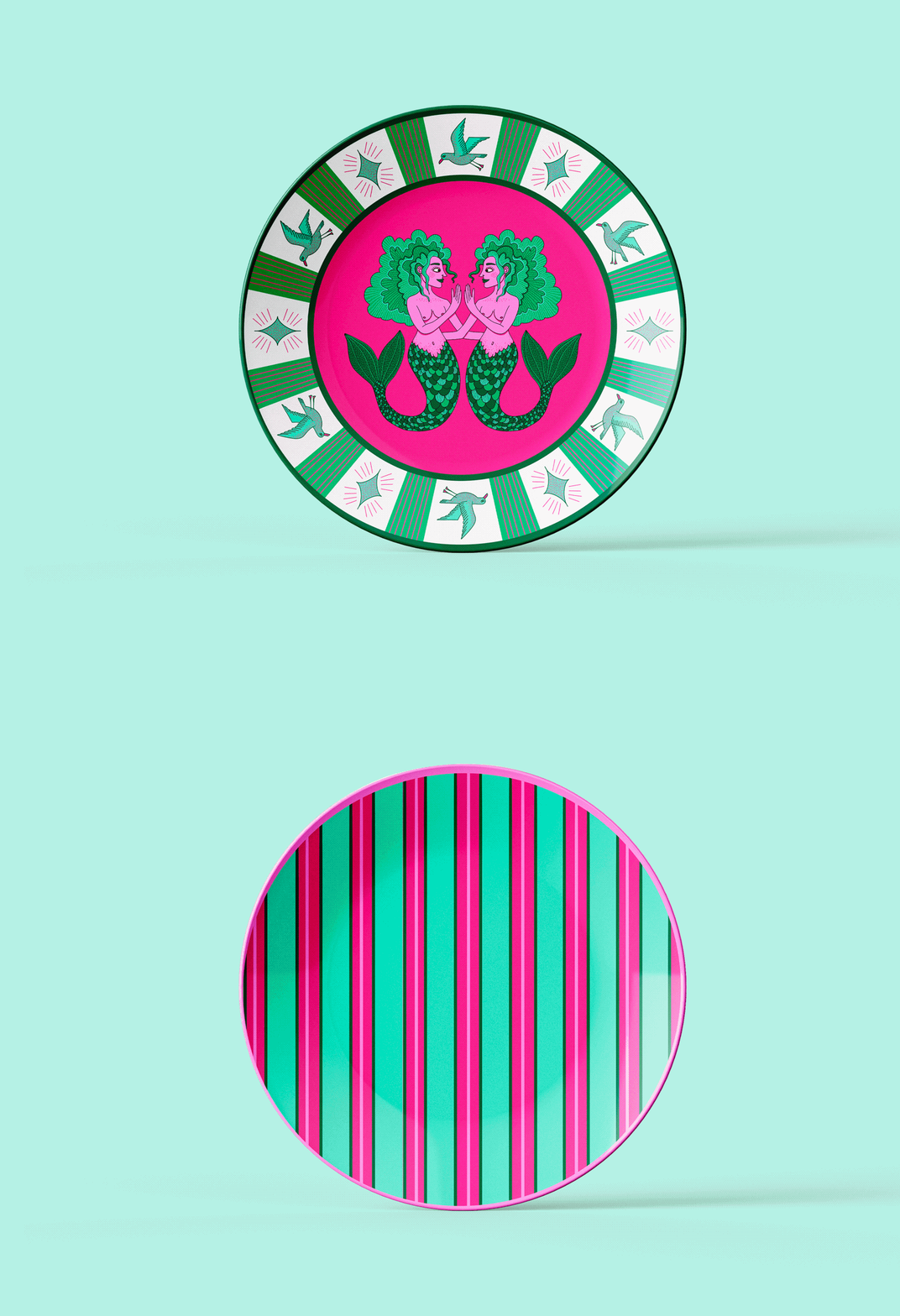
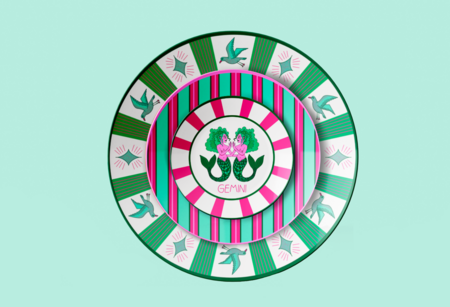
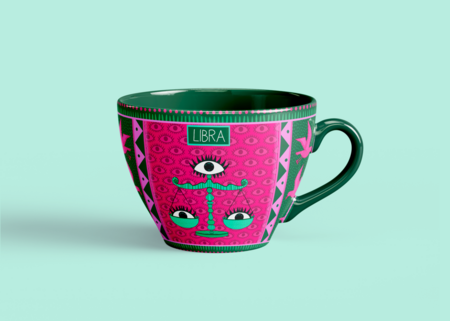
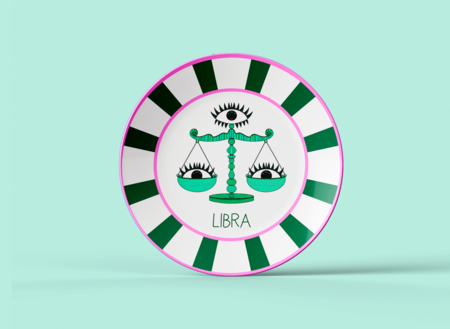
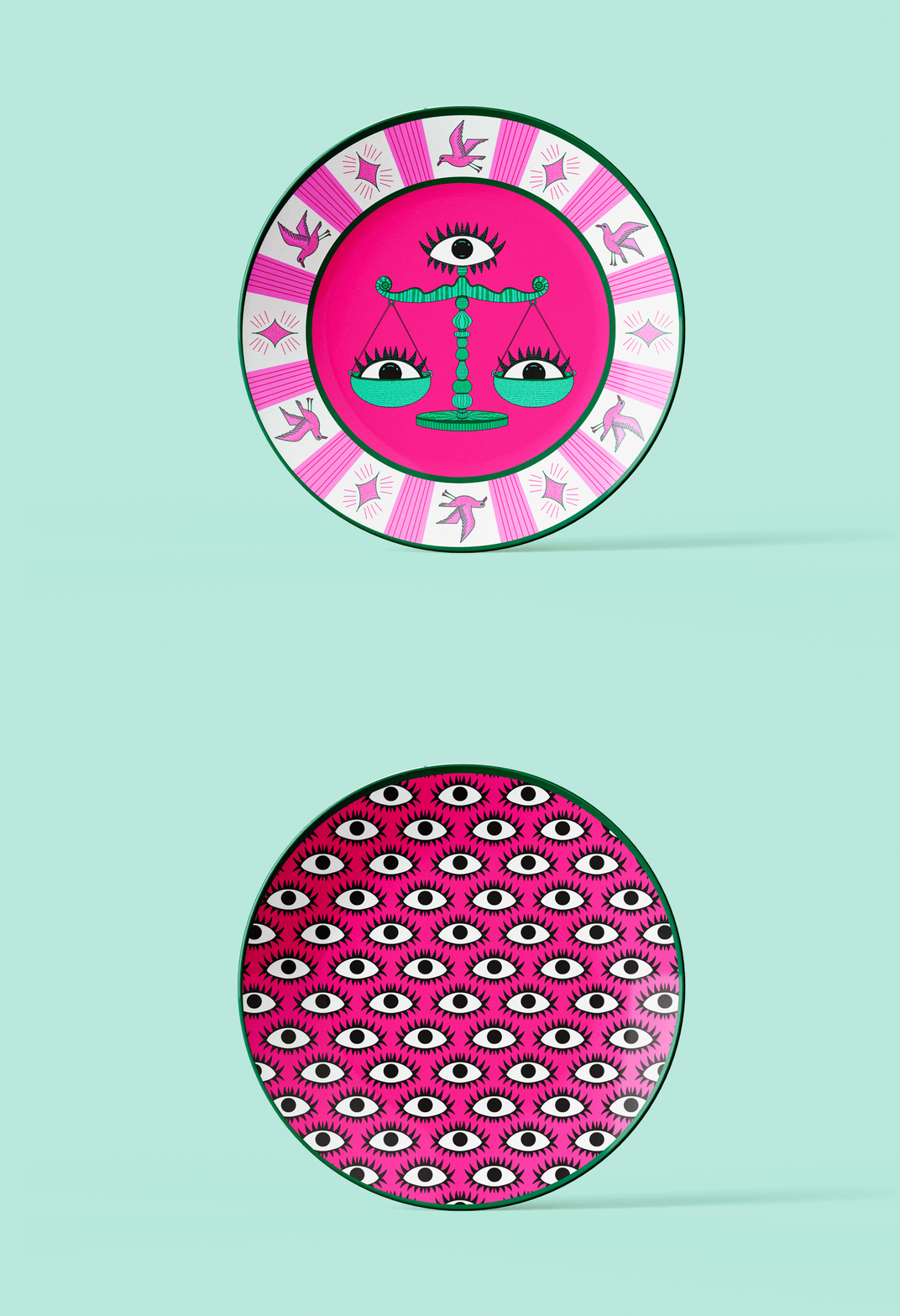
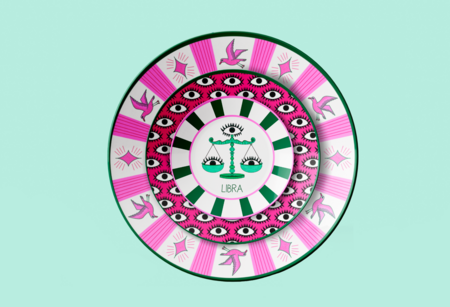
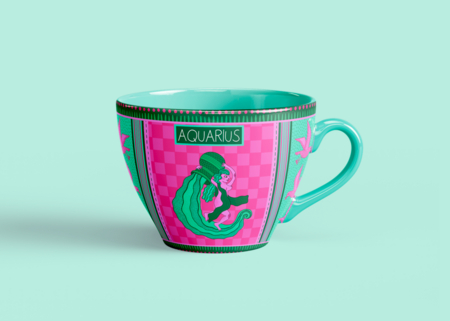
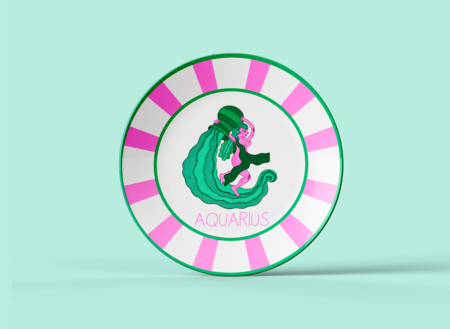
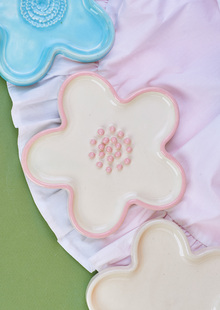
Zodiac collection — это серия посуды, домашнего текстиля и прочего мерча, вдохновленная астрологией и знаками зодиака. Каждое изделие уникально оформлено яркими и дерзкими цветами, отражающими характер и символику конкретного знака.
Эта коллекция подарит каждому возможность выразить свою индивидуальность и стиль,
а так же добавить яркие акценты
в повседневную жизнь.
Варвара Ушакова создала коллекцию товаров для дома, вдохновлённую знаками зодиака и астрологией. Каждое изделие выполнено в ярких и дерзких цветах, отражающих характер и символику конкретного знака.
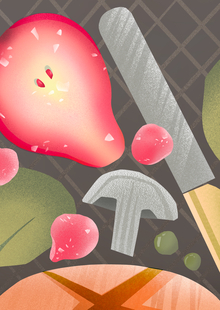
Наталья Гаймер создала проект «Почётное место», в котором превращает тарелки, текстиль и другие предметы в элементы композиции, дополняющие блюдо узорами и формами. Проект включает тексты, посвящённые фарфору, текстилю и носителям, которые подчёркивают роль деталей в создании целостного восприятия еды.
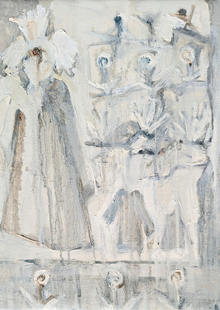
Ксюша Аристова создала 13 иллюстраций к песням с альбома «Сад» Архипа Шалимова. Проект включает в себя цитаты из текстов песен, написанных в стихотворной форме.
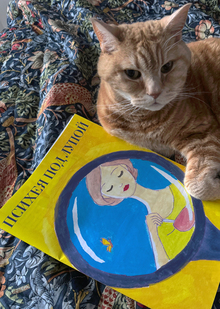
Евгения Никонова создала журнал «Психея под лупой», посвящённый типам личности и особенностям характера. В издании представлены типажи П.Б. Ганнушкина с доступными объяснениями и лёгкой иронией.
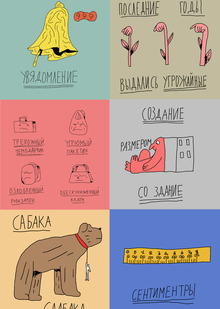
Тимофей Яржомбек представил подборку иллюстраций из проекта "Дворец словосочетания". Проект ведется с 2012 года и включает более 700 работ, часто основанных на каламбурах и отражающих общественные настроения.
brnd
For us, a startup is a creative and innovative project with great potential for growth. We are dedicated to finding the best projects and helping them refine their concept, develop branding, and create effective promotion strategies. We also invest in production and replication to ensure their success. Are you ready to take your business to the next level? Join our startup incubator program and let us help you grow.
We use cookies to improve the operation of the website and to enhance its usability. More detailed information on the use of cookies can be fo...
Show more
Press space bar to start a drag.
When dragging you can use the arrow keys to move the item around and escape to cancel.
Some screen readers may require you to be in focus mode or to use your pass through key
Press space bar to start a drag.
When dragging you can use the arrow keys to move the item around and escape to cancel.
Some screen readers may require you to be in focus mode or to use your pass through key
Press space bar to start a drag.
When dragging you can use the arrow keys to move the item around and escape to cancel.
Some screen readers may require you to be in focus mode or to use your pass through key
Press space bar to start a drag.
When dragging you can use the arrow keys to move the item around and escape to cancel.
Some screen readers may require you to be in focus mode or to use your pass through key
Press space bar to start a drag.
When dragging you can use the arrow keys to move the item around and escape to cancel.
Some screen readers may require you to be in focus mode or to use your pass through key
Press space bar to start a drag.
When dragging you can use the arrow keys to move the item around and escape to cancel.
Some screen readers may require you to be in focus mode or to use your pass through key
Press space bar to start a drag.
When dragging you can use the arrow keys to move the item around and escape to cancel.
Some screen readers may require you to be in focus mode or to use your pass through key
Press space bar to start a drag.
When dragging you can use the arrow keys to move the item around and escape to cancel.
Some screen readers may require you to be in focus mode or to use your pass through key
Press space bar to start a drag.
When dragging you can use the arrow keys to move the item around and escape to cancel.
Some screen readers may require you to be in focus mode or to use your pass through key
Press space bar to start a drag.
When dragging you can use the arrow keys to move the item around and escape to cancel.
Some screen readers may require you to be in focus mode or to use your pass through key
Press space bar to start a drag.
When dragging you can use the arrow keys to move the item around and escape to cancel.
Some screen readers may require you to be in focus mode or to use your pass through key