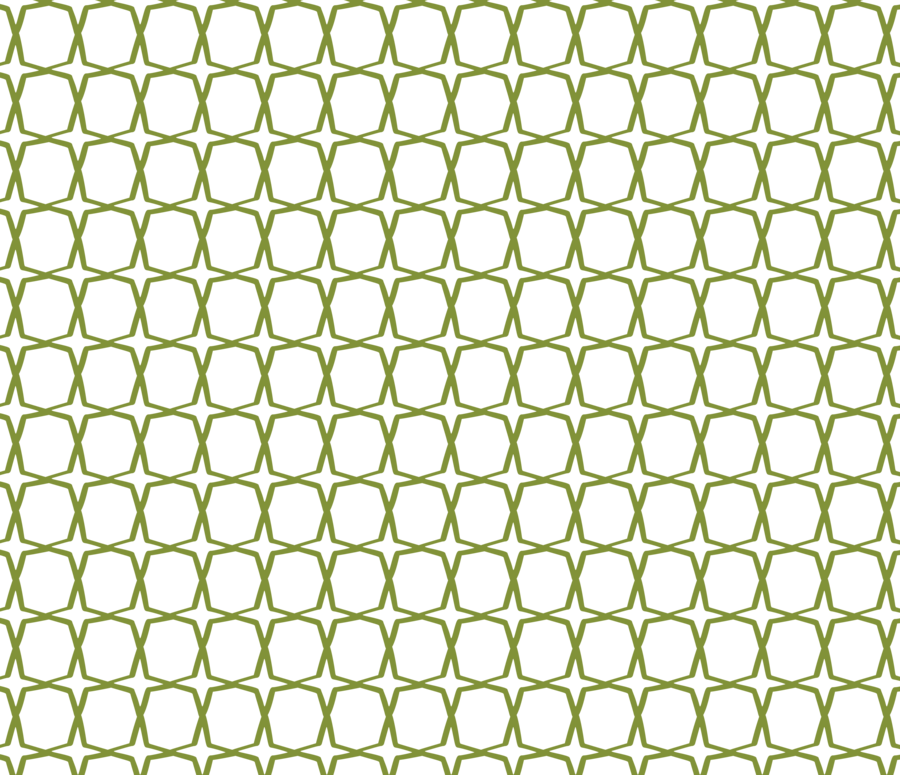
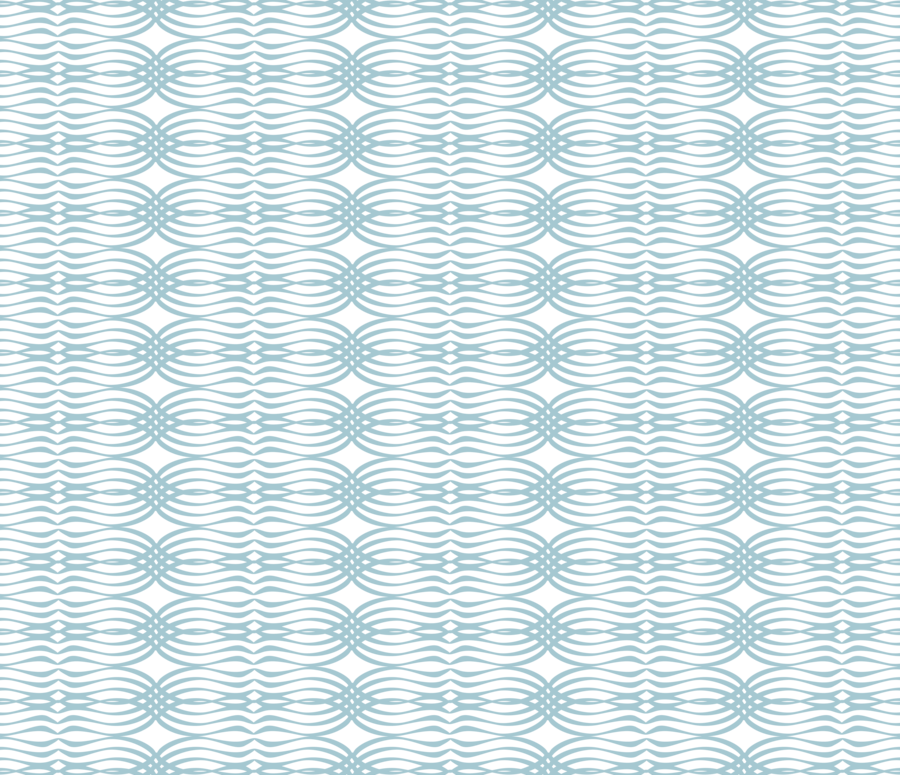
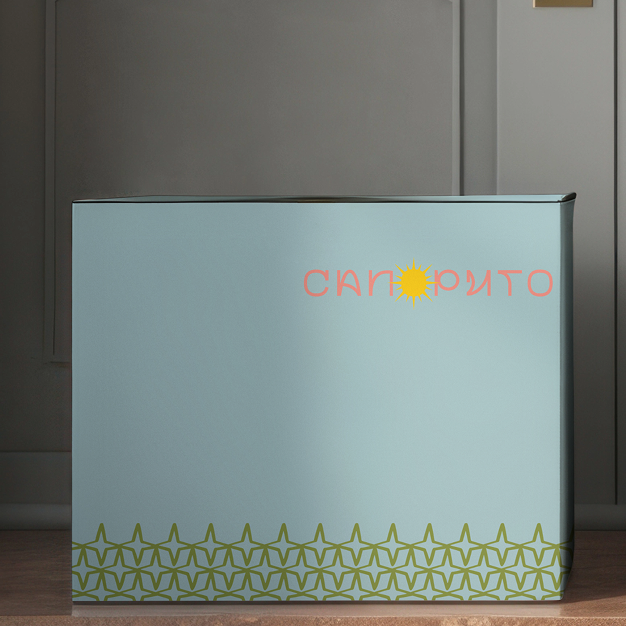
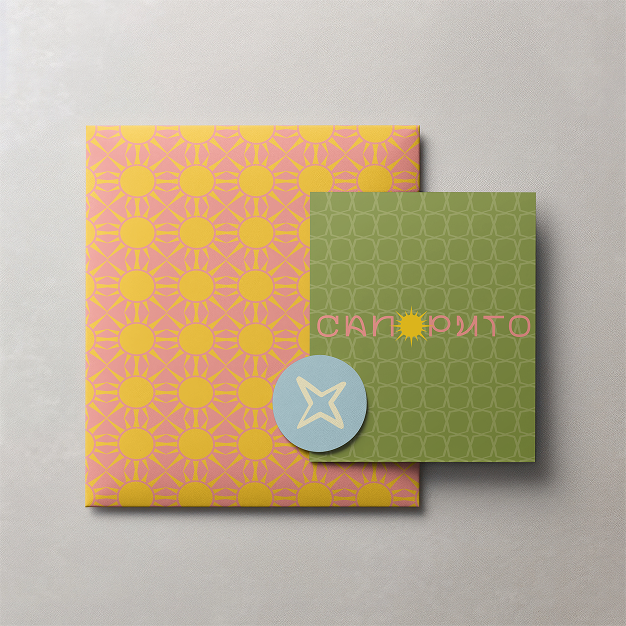
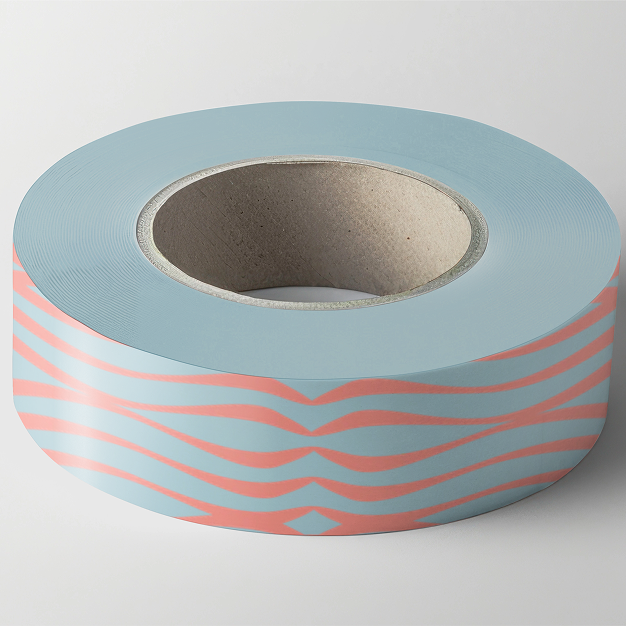
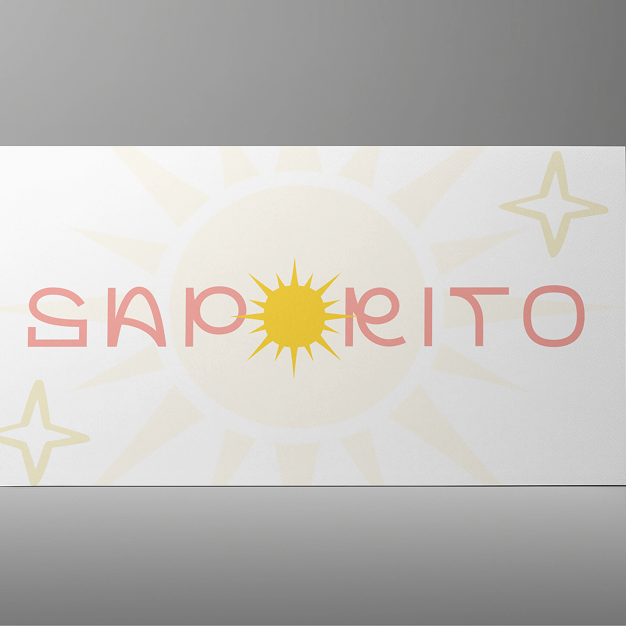
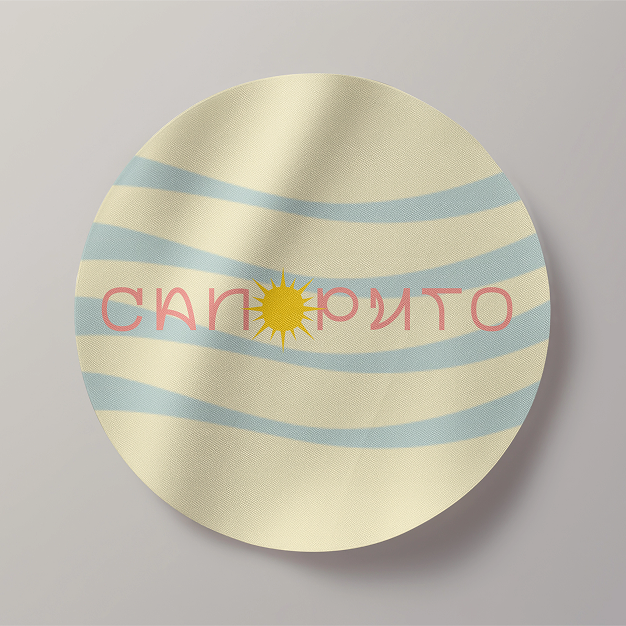
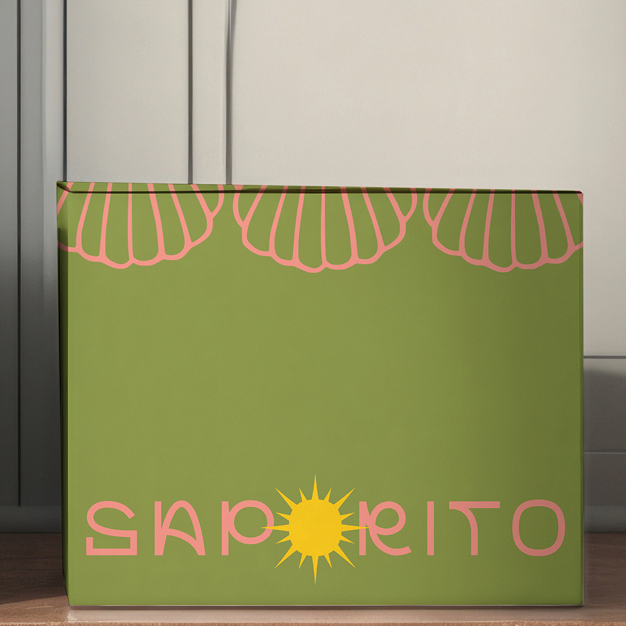
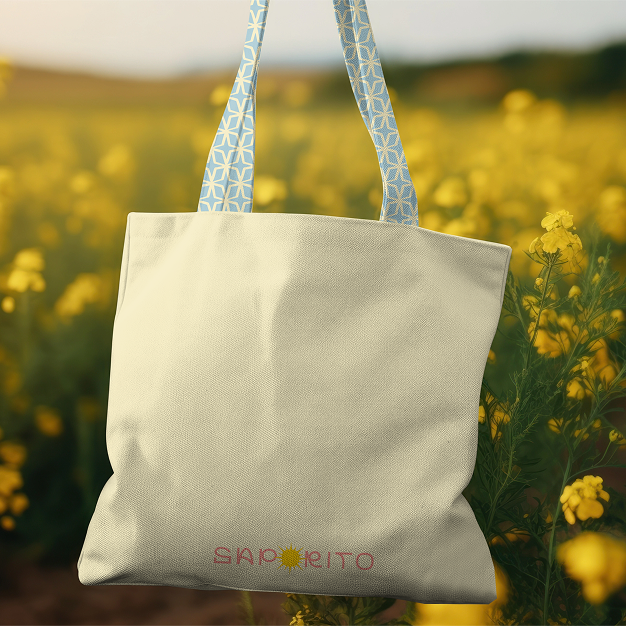
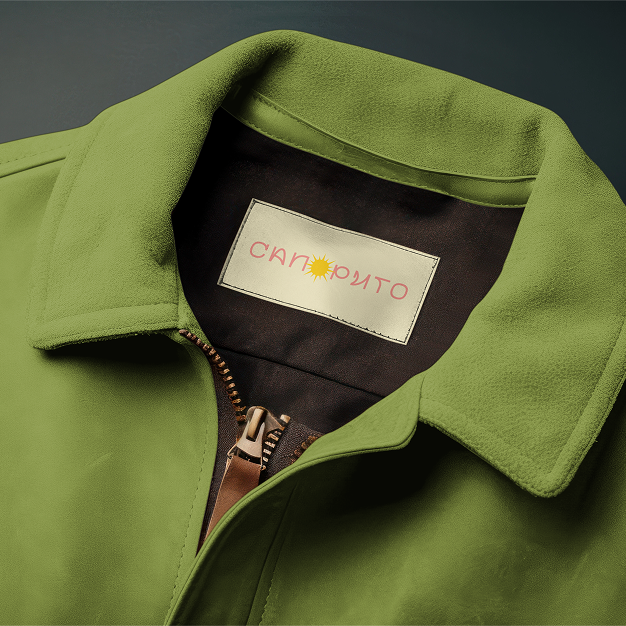
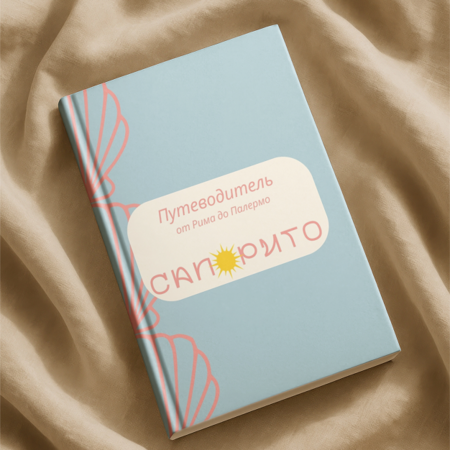
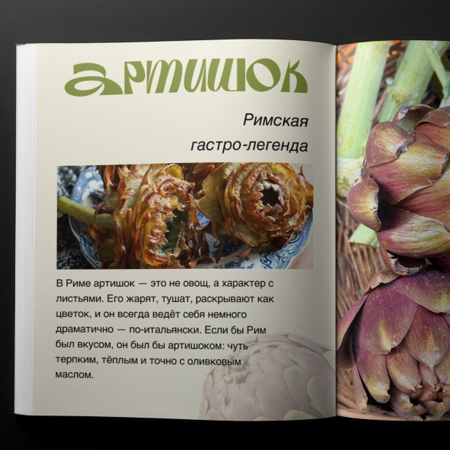
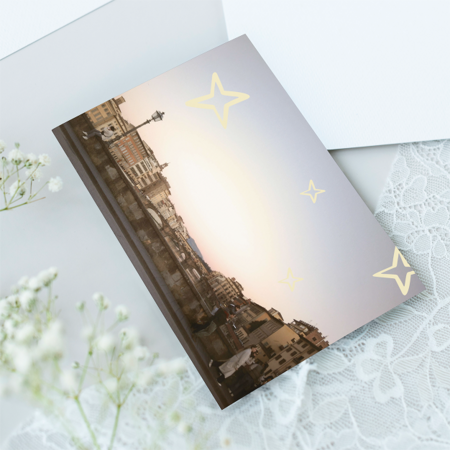
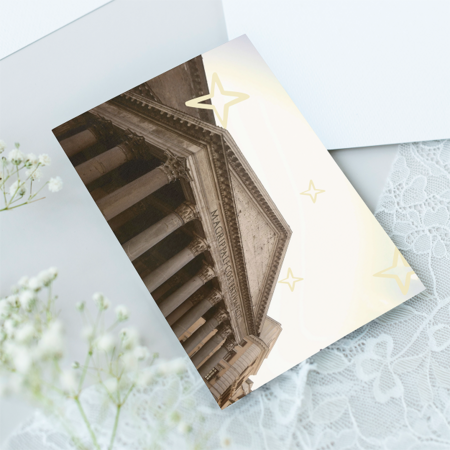
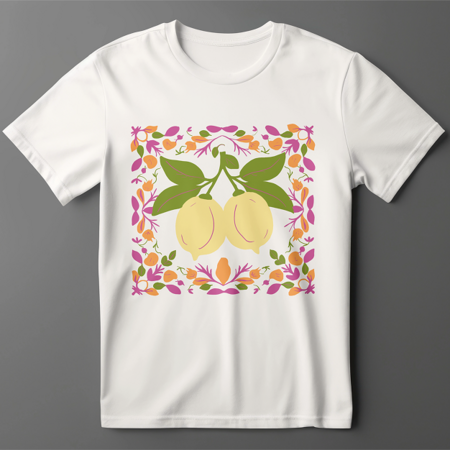
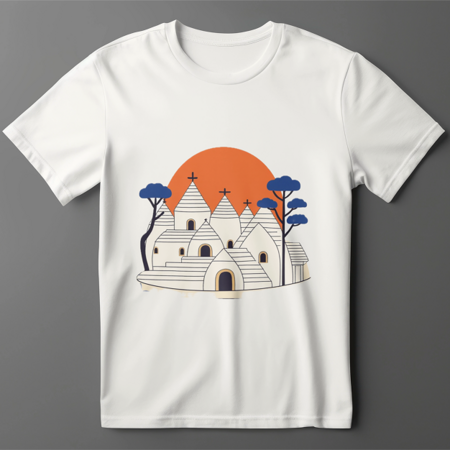
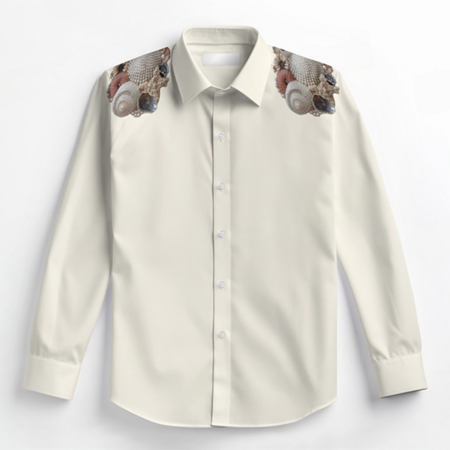
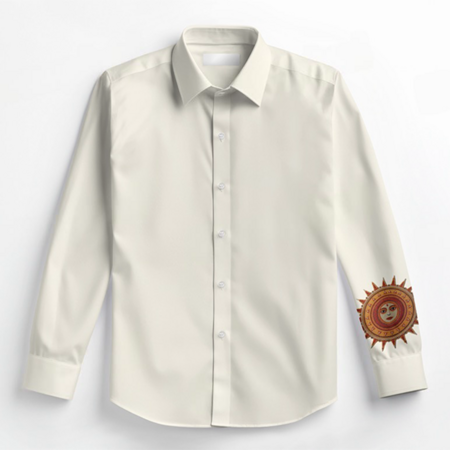
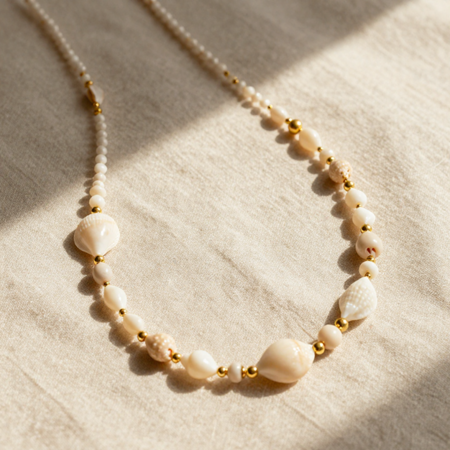
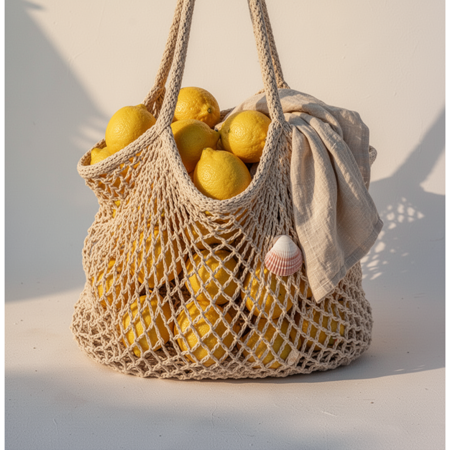
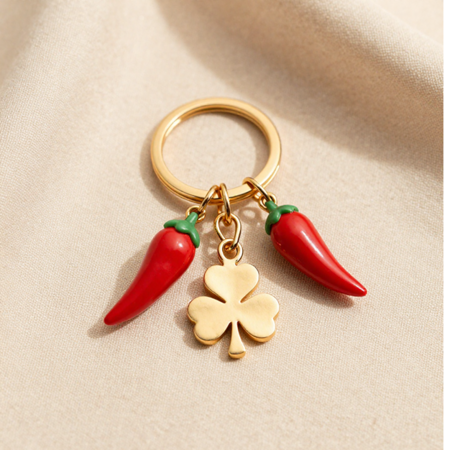
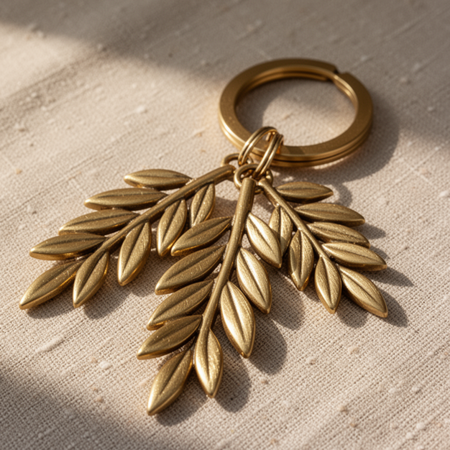
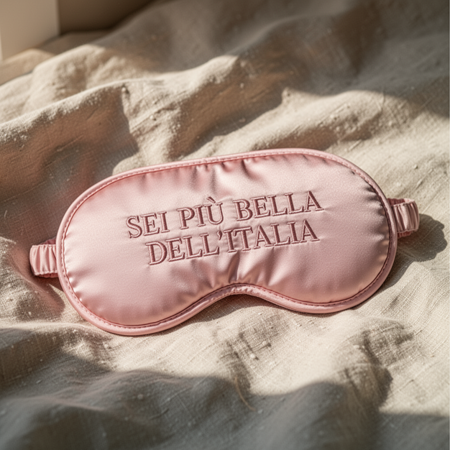
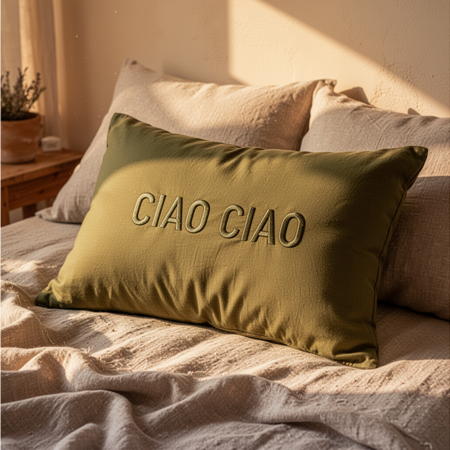
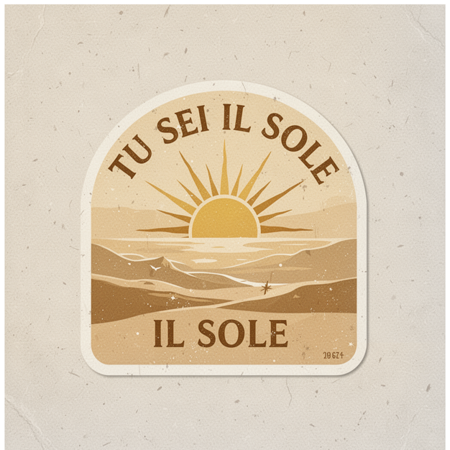
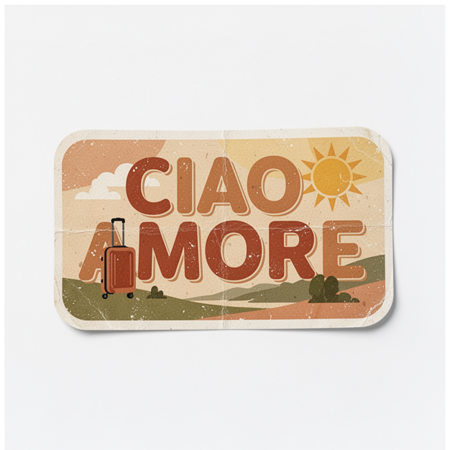
Brand Saporito — whose name is translated from Italian as «delicious». The brand was born from a pattern of «life under the sun.» It is not just aesthetics, but a special state of mind: the feeling of lightness, inner warmth and serenity.
Saporito — «life under the sun»
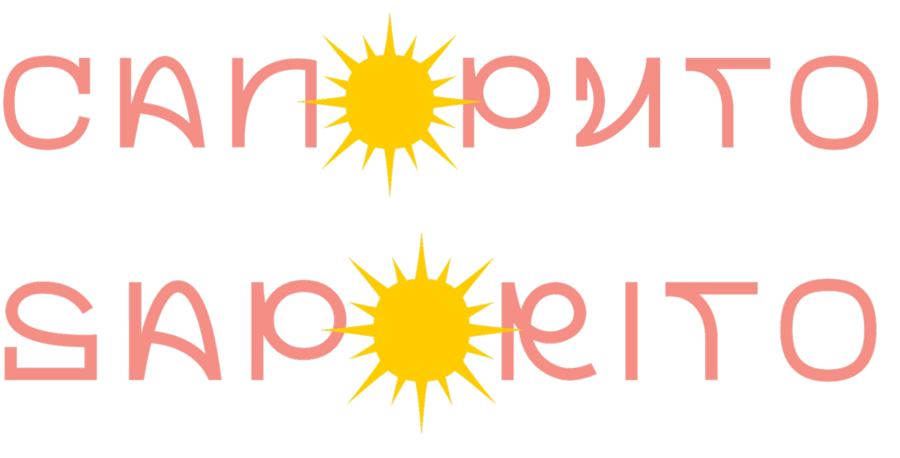
Logo
Original size 1805x918
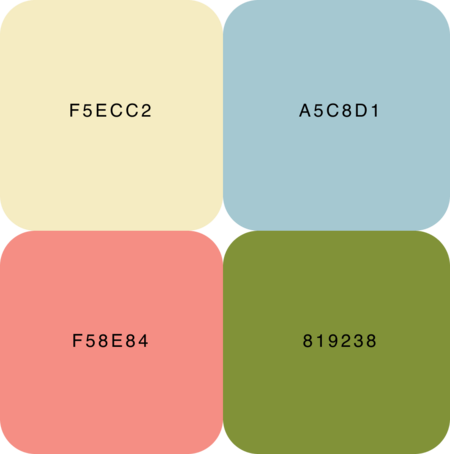
The base of a palette is:
sunshades
soft warm neutrons
natural colors
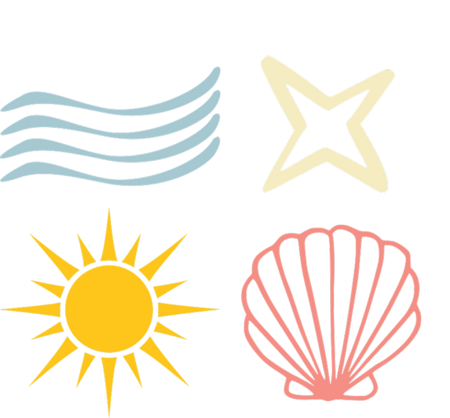
Basic elements
Waves
Travel star
Compass rose
Wave Keeper
Rapports
0
0
0
0
0
0
0
1/3
Options for applying
0
0
0
0
0
0
0
0
0
0
0
0
0
0
0
0
0
1/8
Store Design Option
Communication
Drop 1
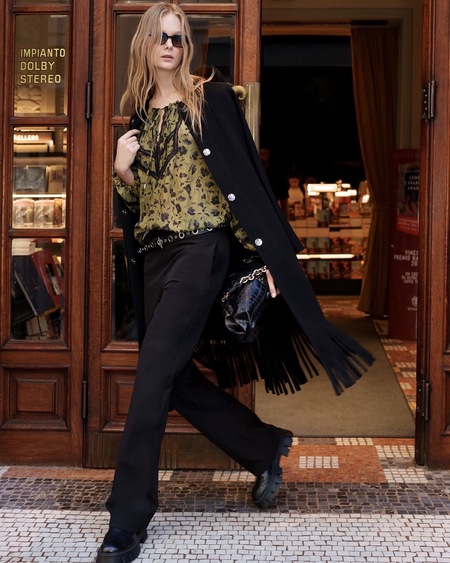
Italy — warm air, burnt walls, lazy afternoon and a sense of no hurry.
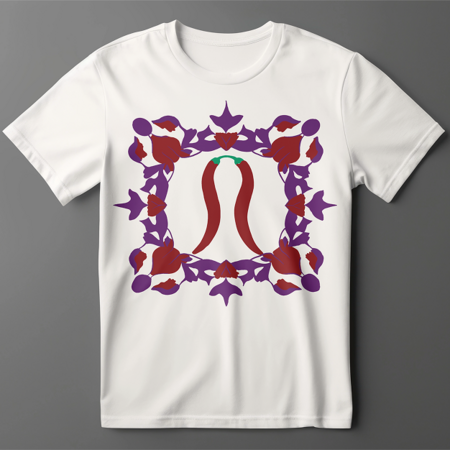
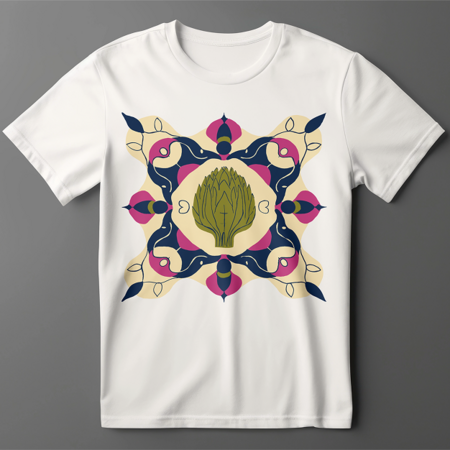
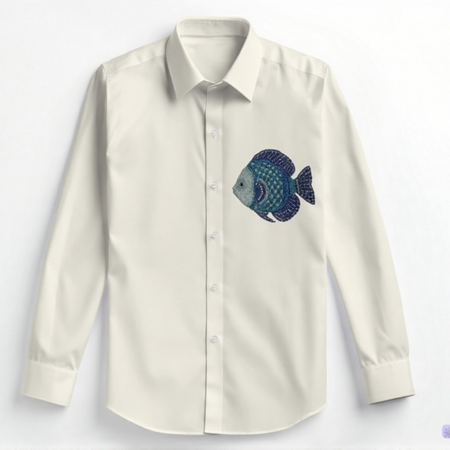
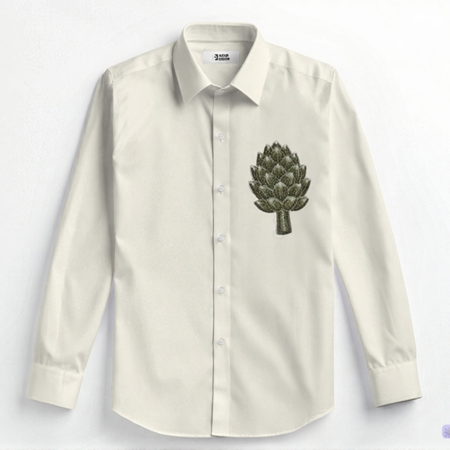
At the core of the collection lie simple shapes, tactile fabrics, faded shades, as if things had already lived one happy summer.
For us, a startup is a creative and innovative project with great potential for growth. We are dedicated to finding the best projects and helping them refine their concept, develop branding, and create effective promotion strategies. We also invest in production and replication to ensure their success. Are you ready to take your business to the next level? Join our startup incubator program and let us help you grow.
Brand accelerator
Startup ideas
Marketplace shops
We use cookies to improve the operation of the website and to enhance its usability. More detailed information on the use of cookies can be fo...
Show more
Press space bar to start a drag.
When dragging you can use the arrow keys to move the item around and escape to cancel.
Some screen readers may require you to be in focus mode or to use your pass through key
Press space bar to start a drag.
When dragging you can use the arrow keys to move the item around and escape to cancel.
Some screen readers may require you to be in focus mode or to use your pass through key
Press space bar to start a drag.
When dragging you can use the arrow keys to move the item around and escape to cancel.
Some screen readers may require you to be in focus mode or to use your pass through key
Press space bar to start a drag.
When dragging you can use the arrow keys to move the item around and escape to cancel.
Some screen readers may require you to be in focus mode or to use your pass through key
Press space bar to start a drag.
When dragging you can use the arrow keys to move the item around and escape to cancel.
Some screen readers may require you to be in focus mode or to use your pass through key
Press space bar to start a drag.
When dragging you can use the arrow keys to move the item around and escape to cancel.
Some screen readers may require you to be in focus mode or to use your pass through key
Press space bar to start a drag.
When dragging you can use the arrow keys to move the item around and escape to cancel.
Some screen readers may require you to be in focus mode or to use your pass through key
Press space bar to start a drag.
When dragging you can use the arrow keys to move the item around and escape to cancel.
Some screen readers may require you to be in focus mode or to use your pass through key
Press space bar to start a drag.
When dragging you can use the arrow keys to move the item around and escape to cancel.
Some screen readers may require you to be in focus mode or to use your pass through key
Press space bar to start a drag.
When dragging you can use the arrow keys to move the item around and escape to cancel.
Some screen readers may require you to be in focus mode or to use your pass through key
Press space bar to start a drag.
When dragging you can use the arrow keys to move the item around and escape to cancel.
Some screen readers may require you to be in focus mode or to use your pass through key