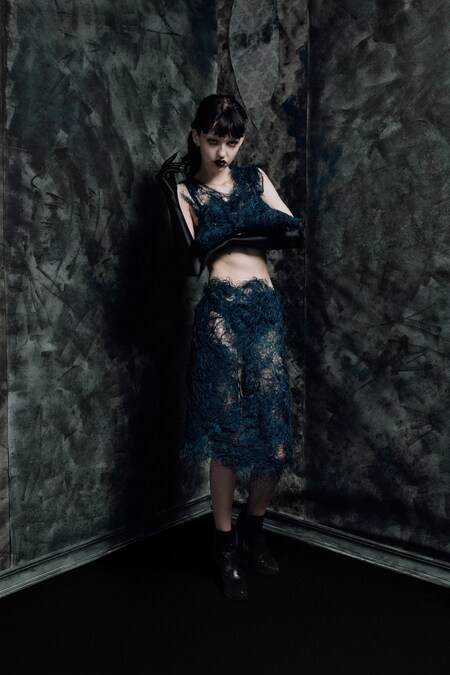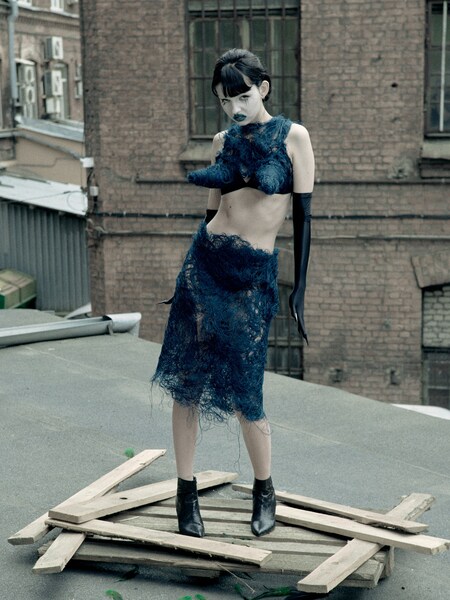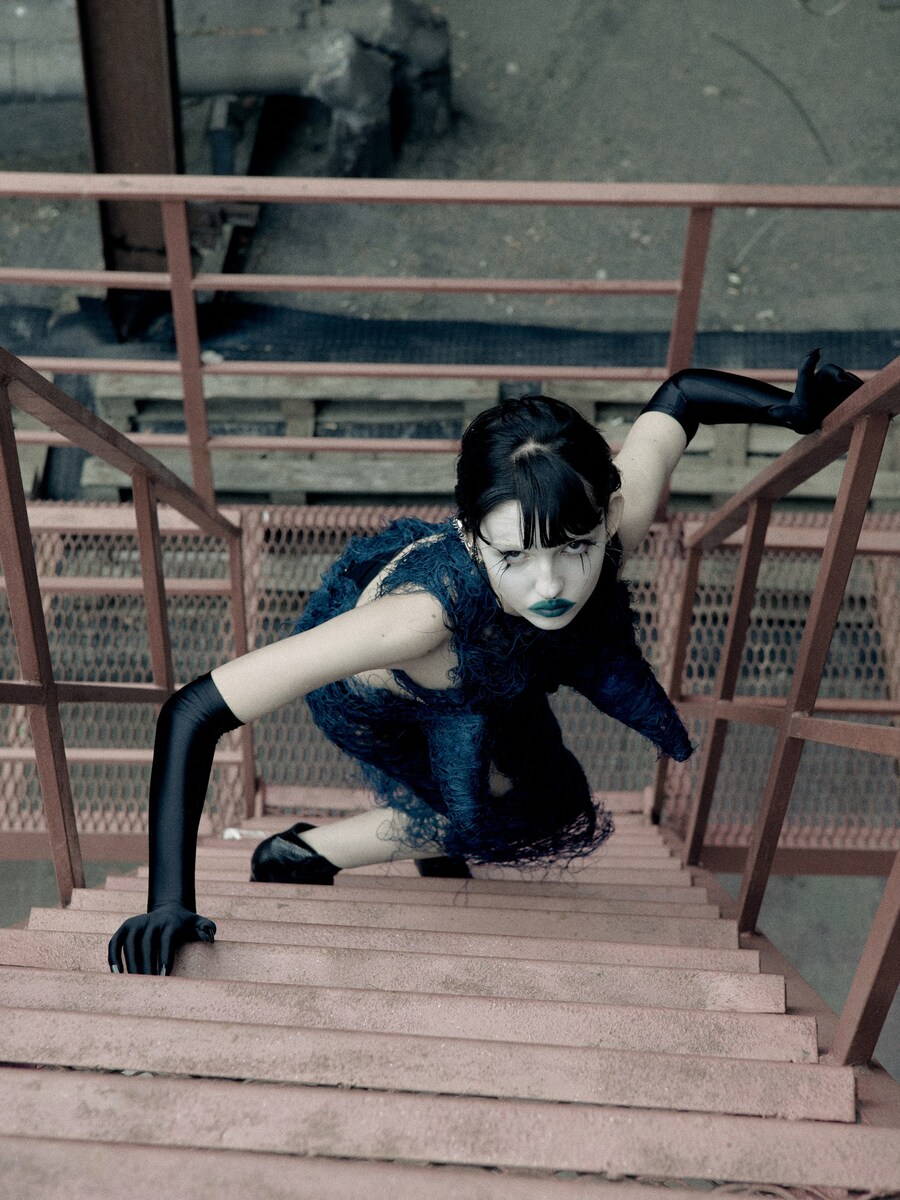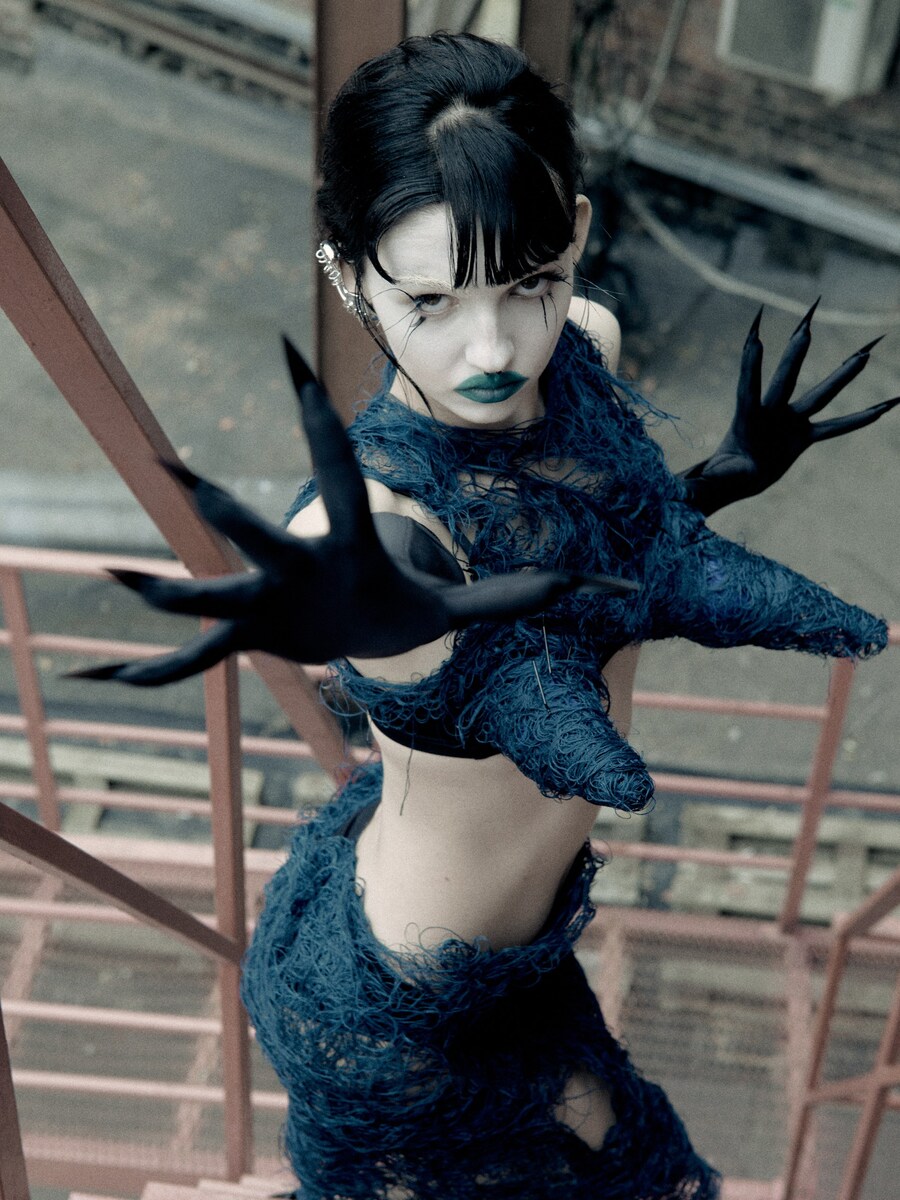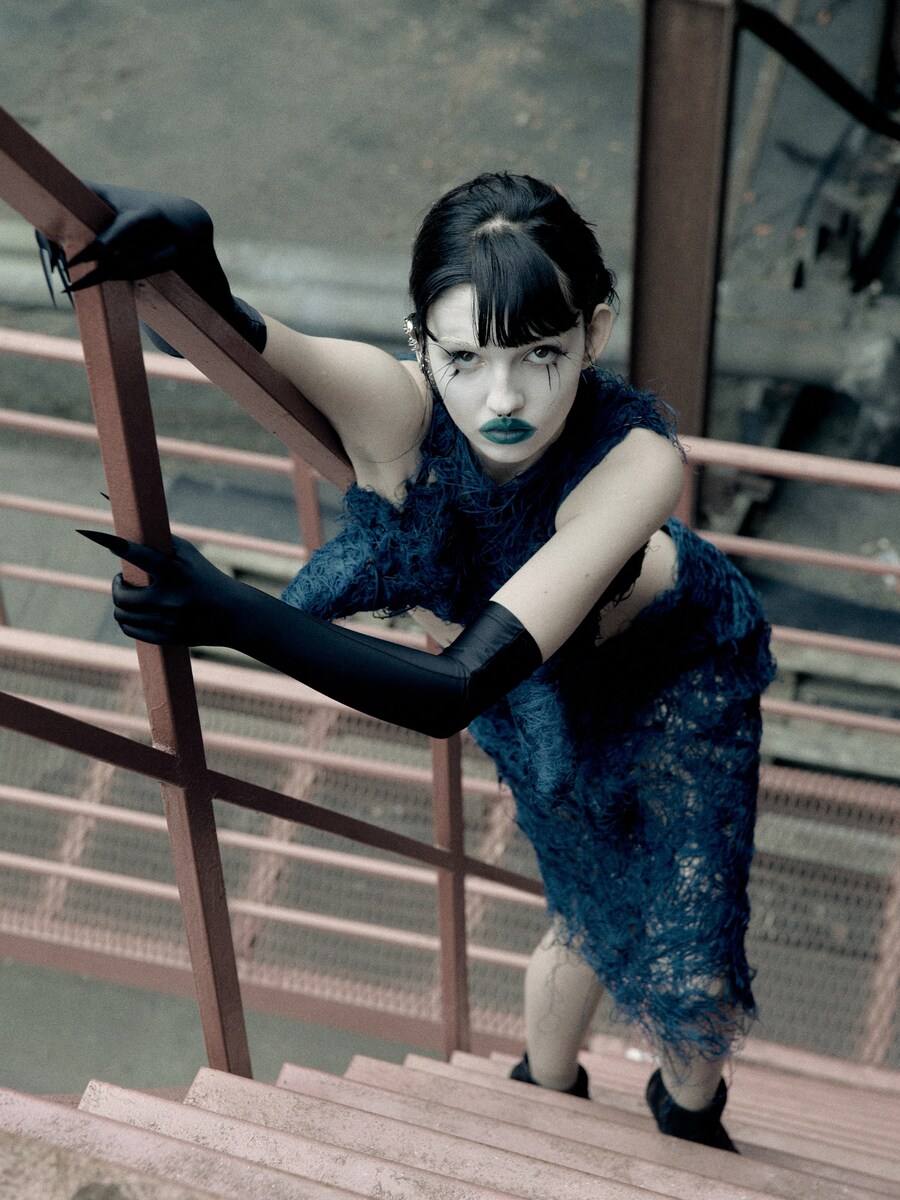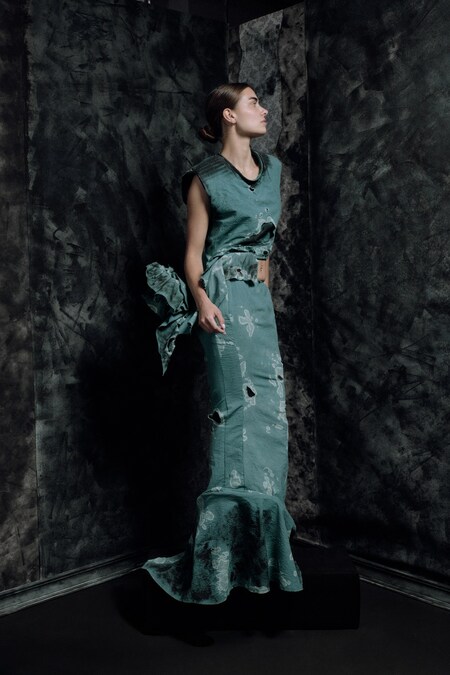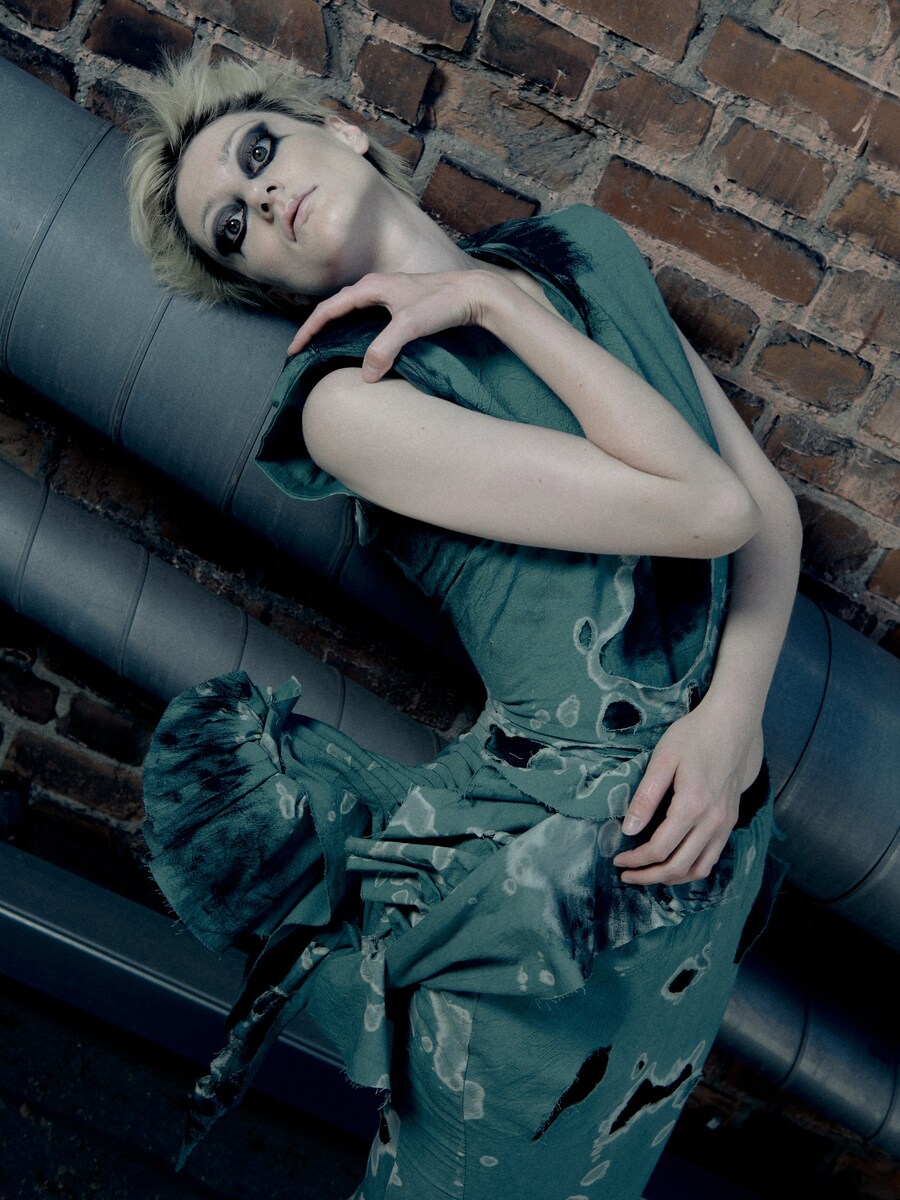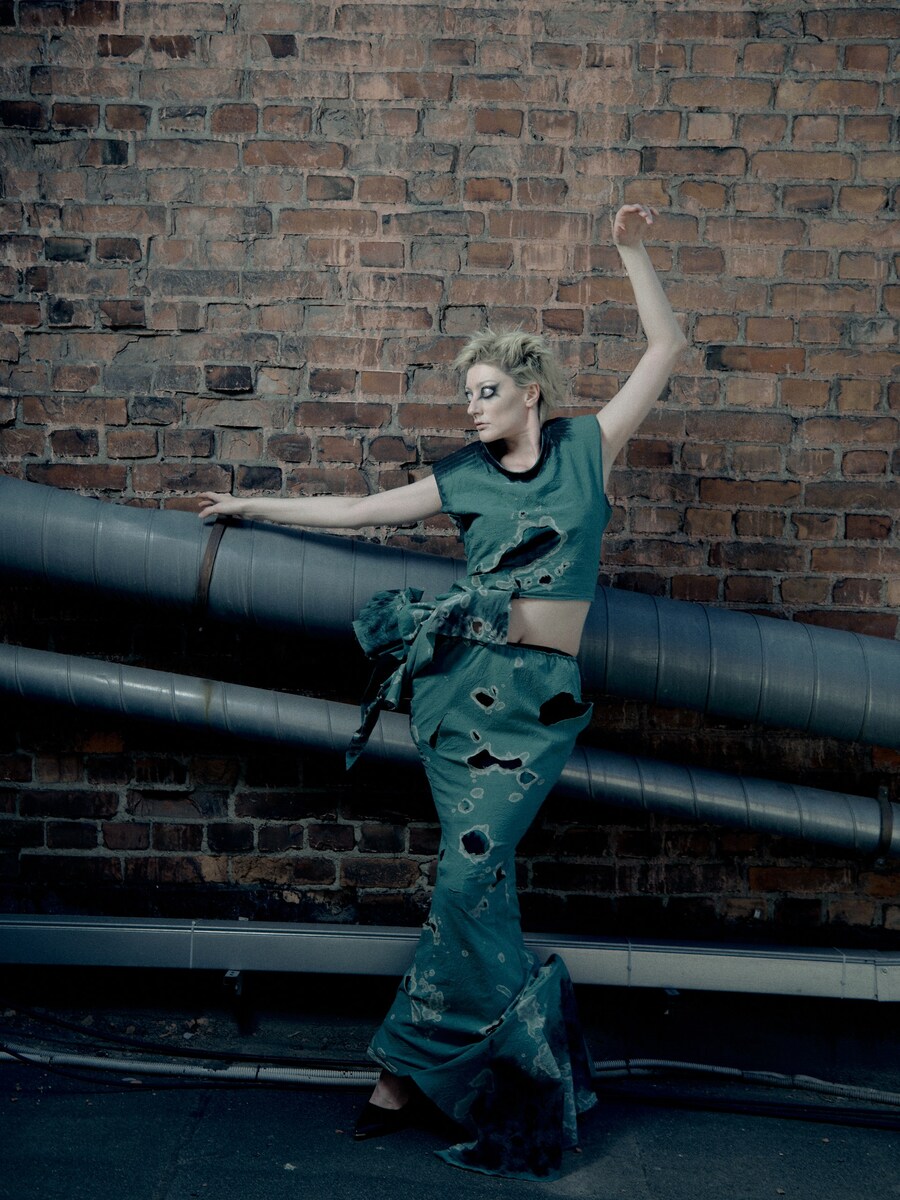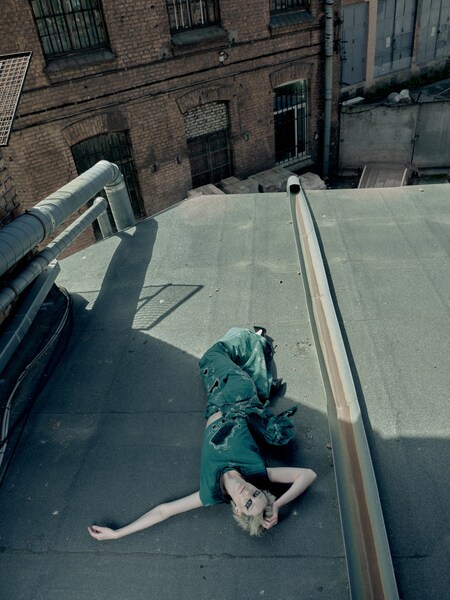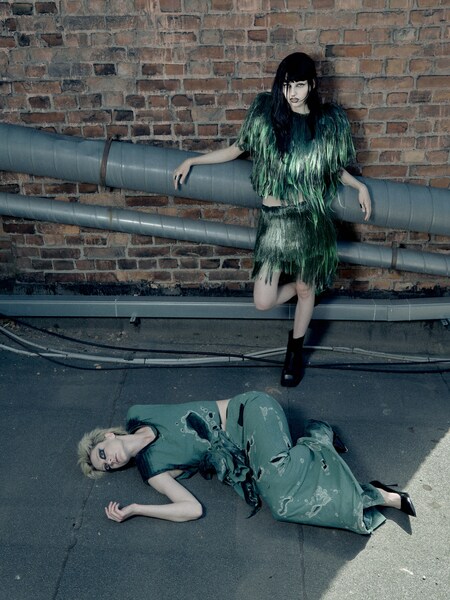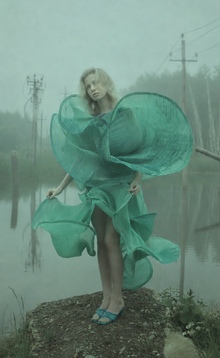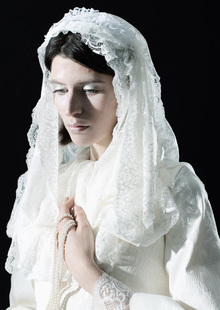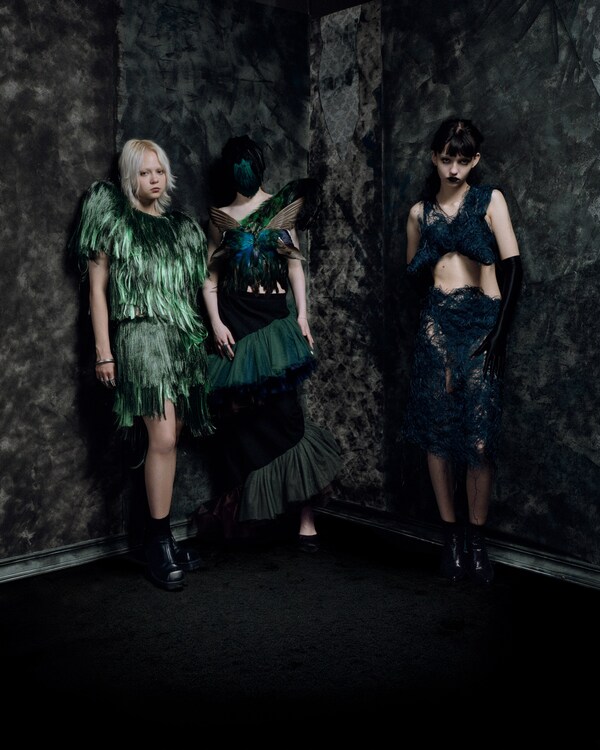
Здесь. Там, где тревога заканчивается и начинается реальность. Каждый образ посвящен одному из таких случайных наблюдений. Вместе они складываются в визуальный дневник человека, который учится заново видеть мир вокруг себя и находить устойчивость среди тревоги, неопределенности и постоянных перемен.
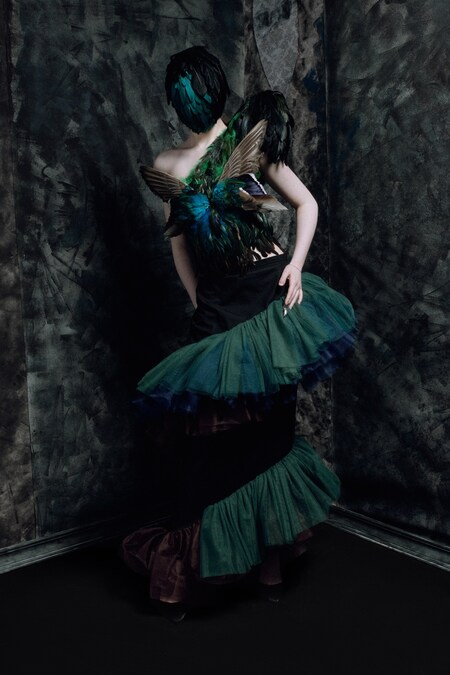
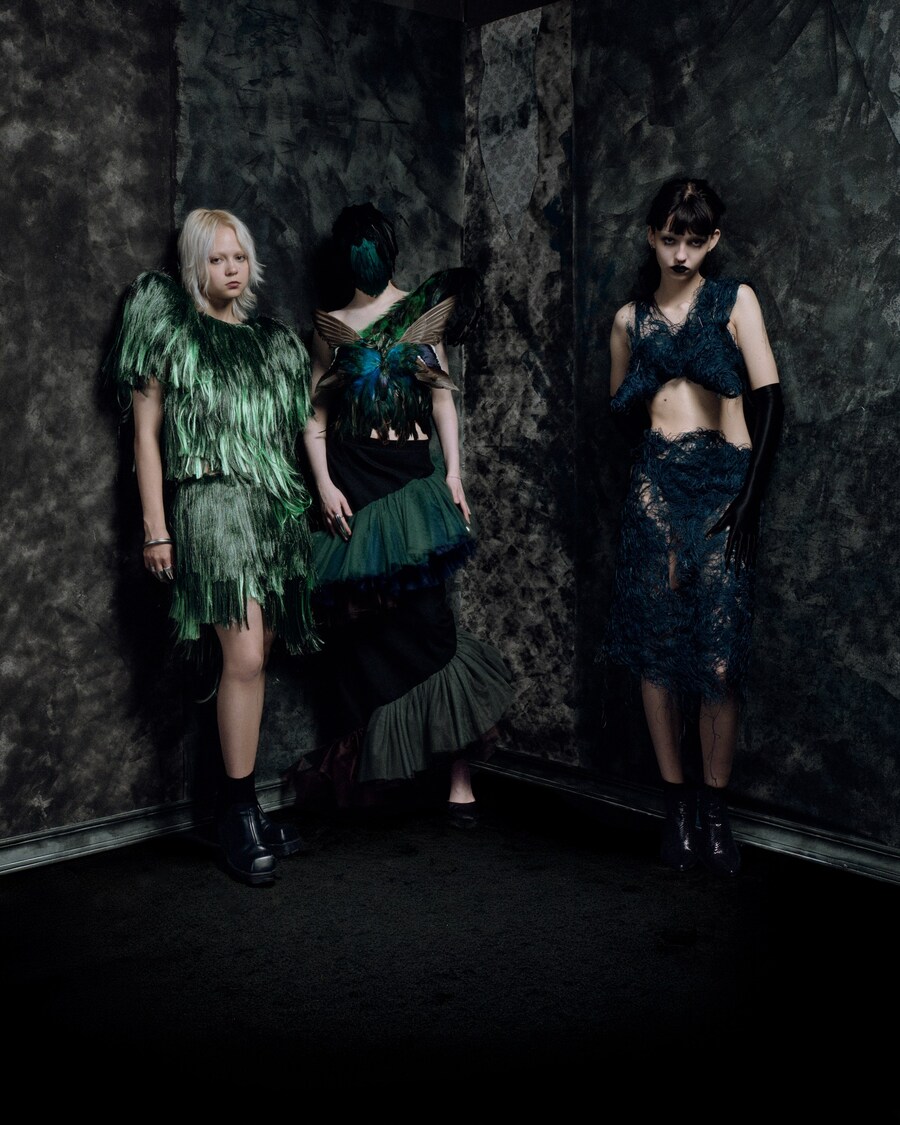
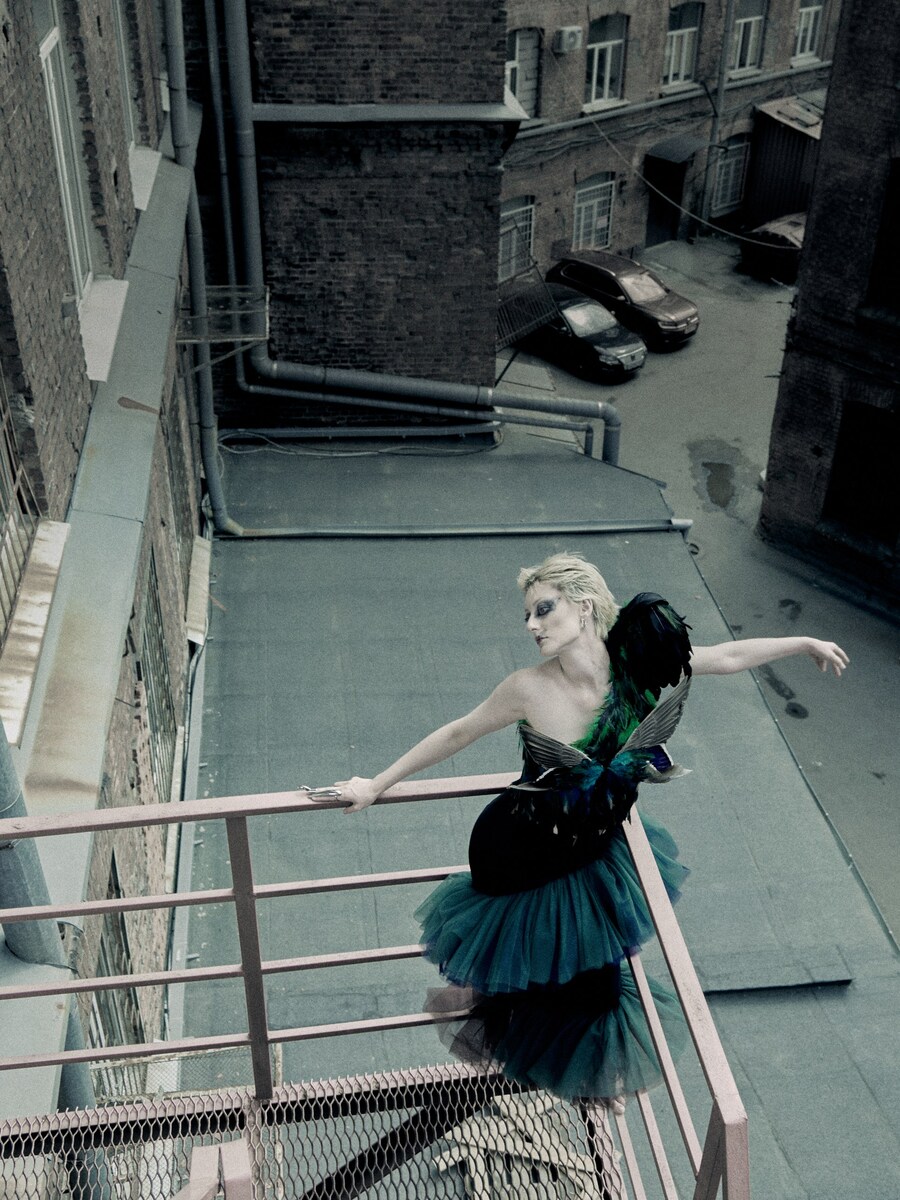
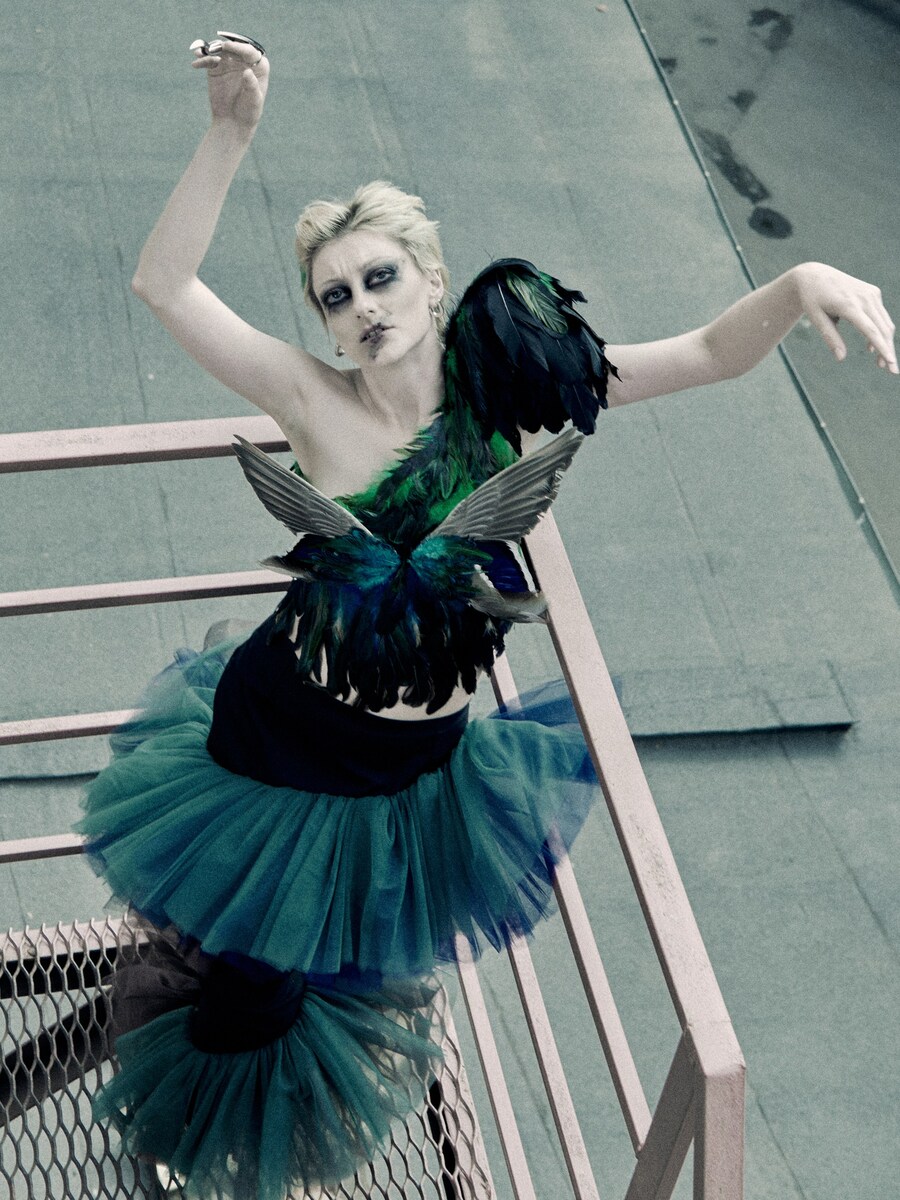
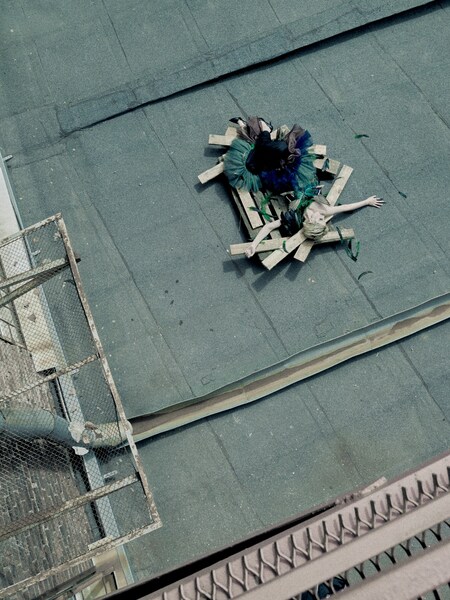
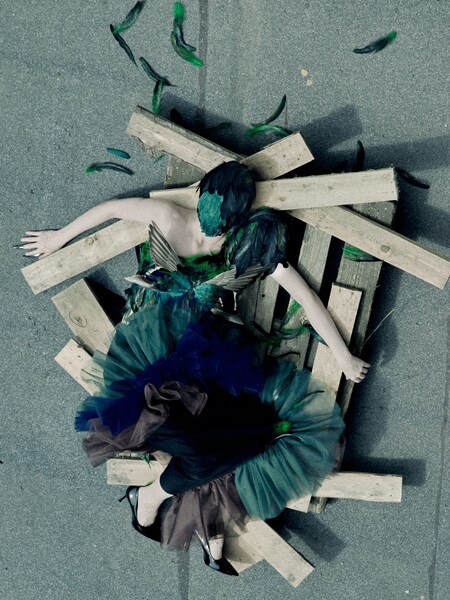
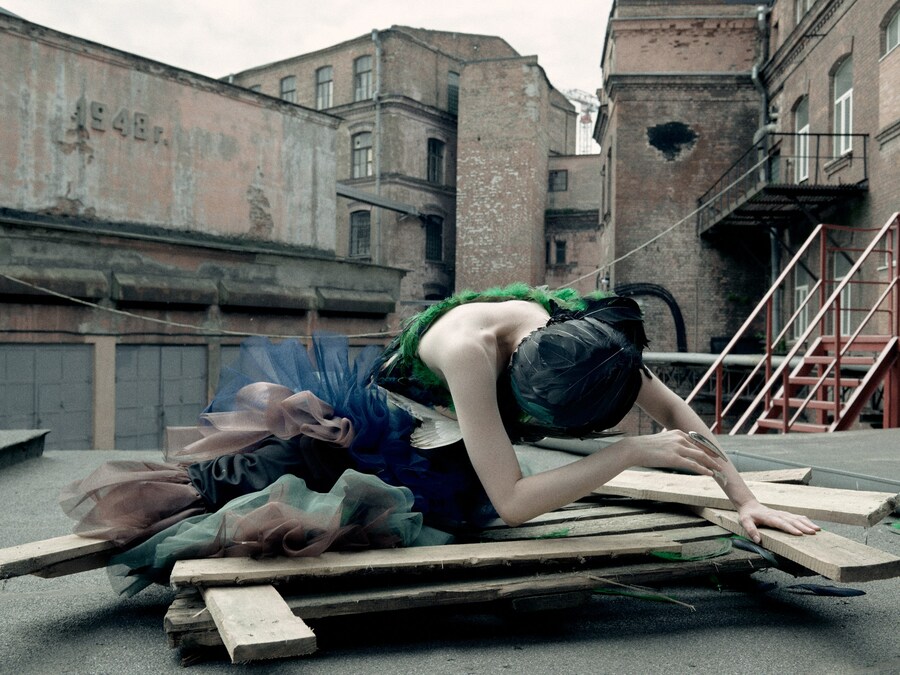
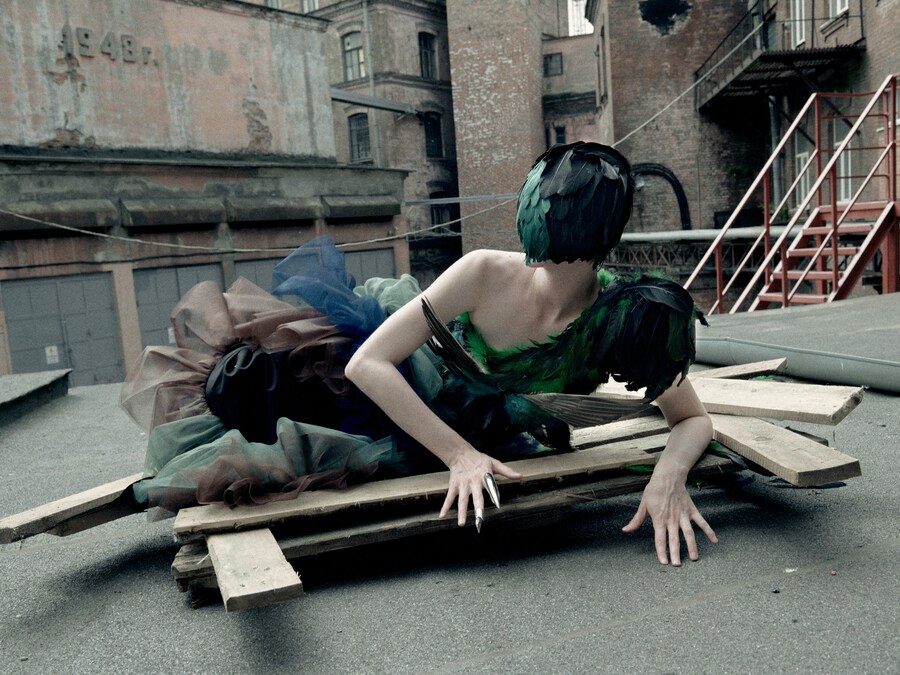
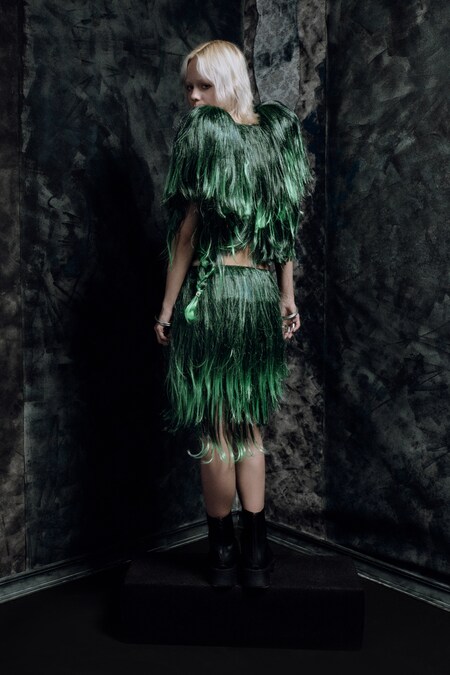
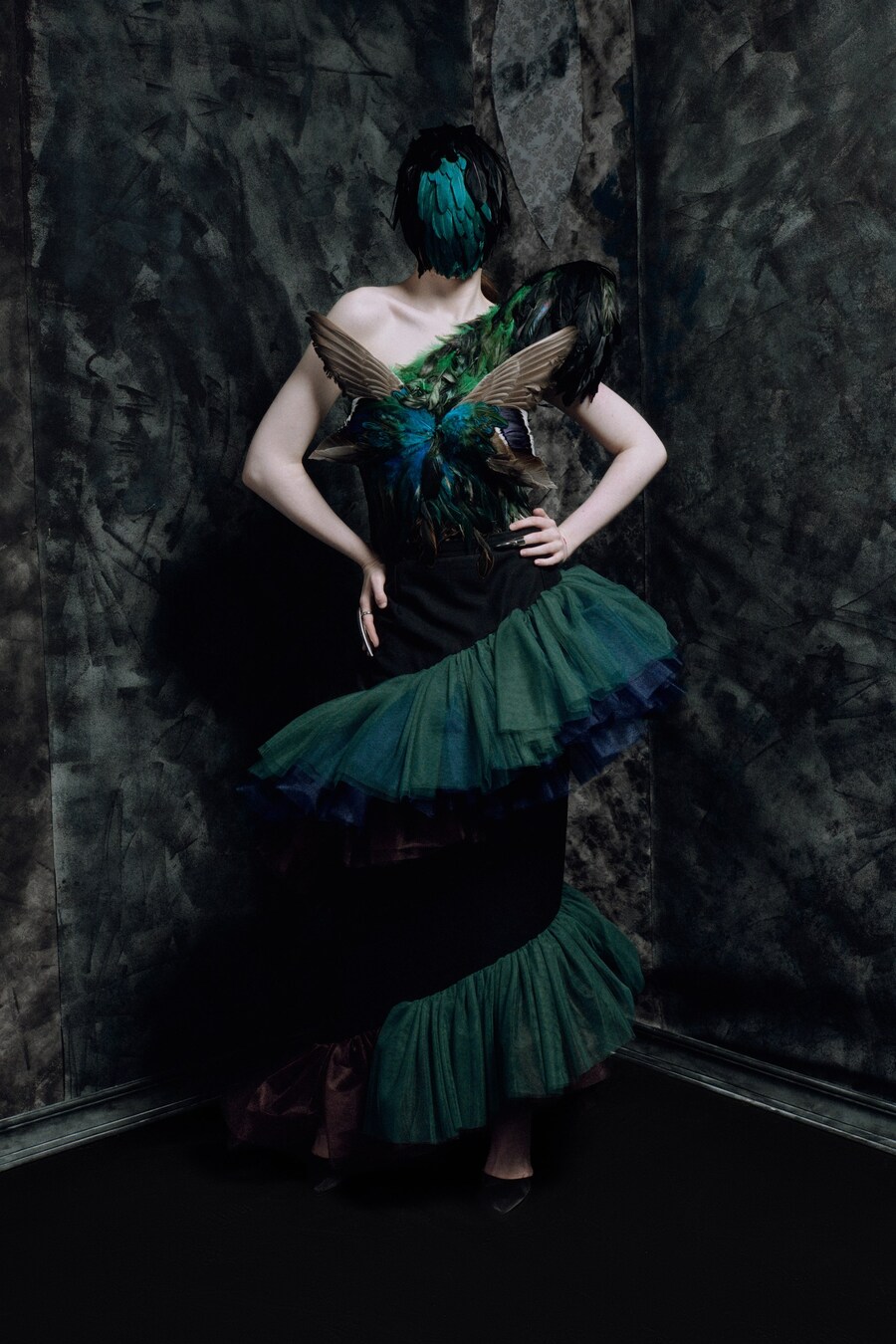
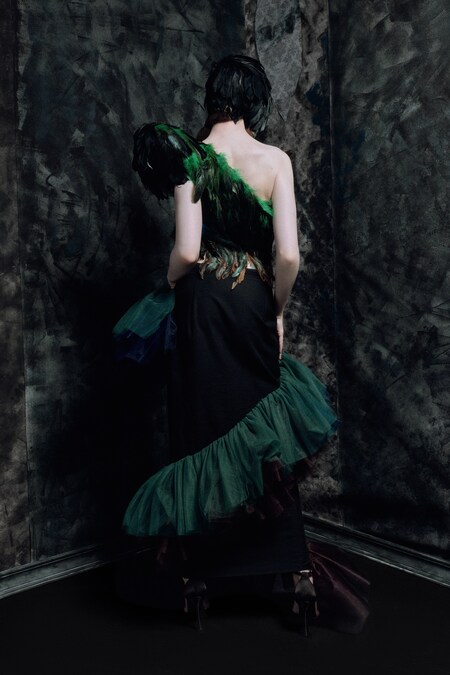
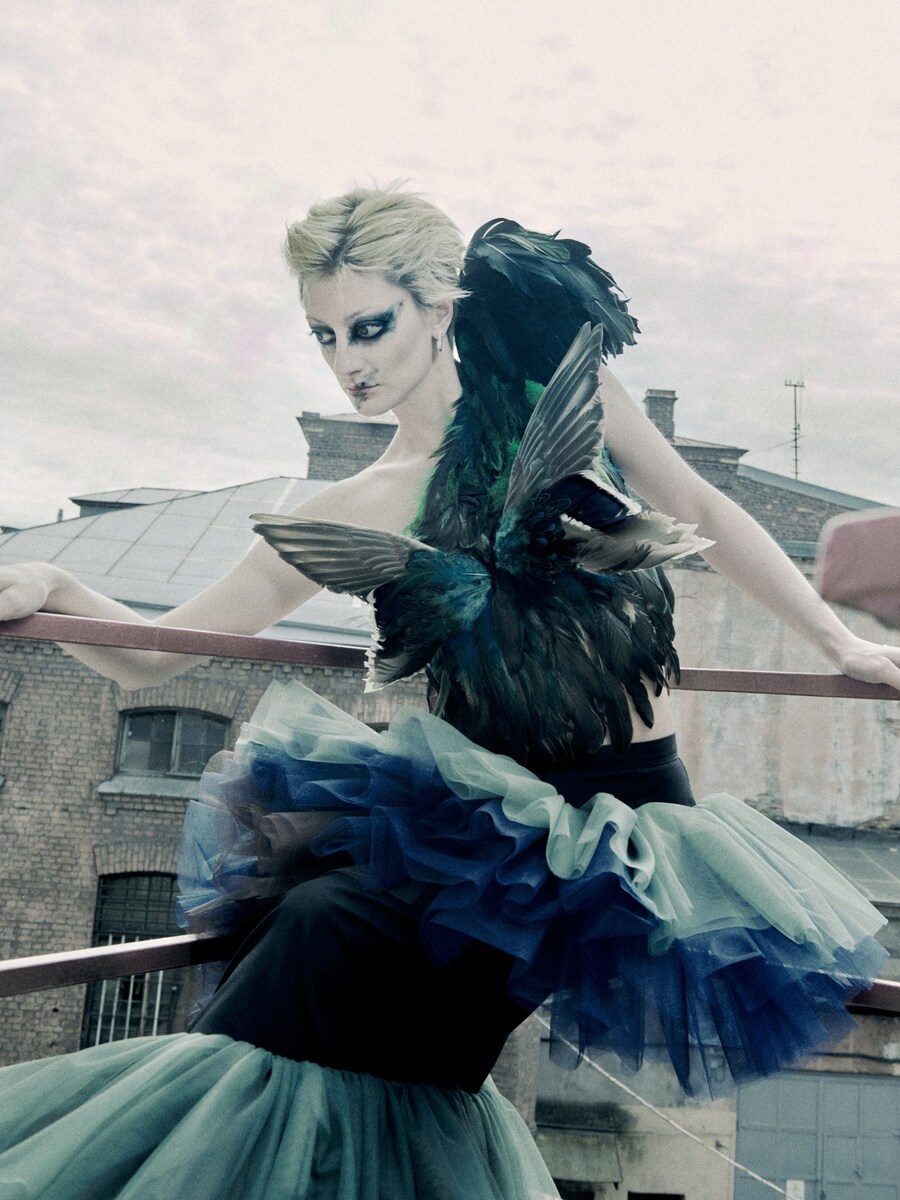
Птица
Цвет меняется при движении и свете.
Поверхность никогда не выглядит одинаково.
Исходный размер 1707x2560
Исходный размер 2048x2560
Исходный размер 1910x871
0
0
0
0
0
0
0
0
0
0
0
0
Исходный размер 1920x2560
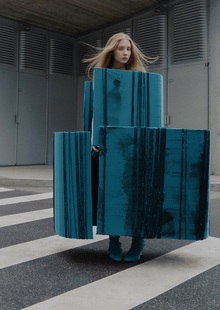
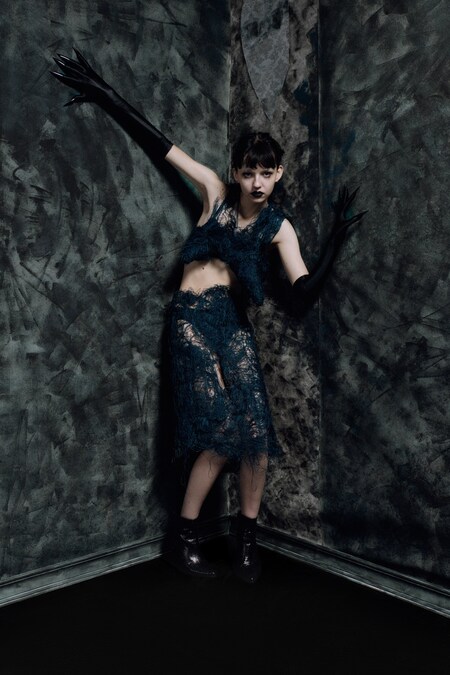
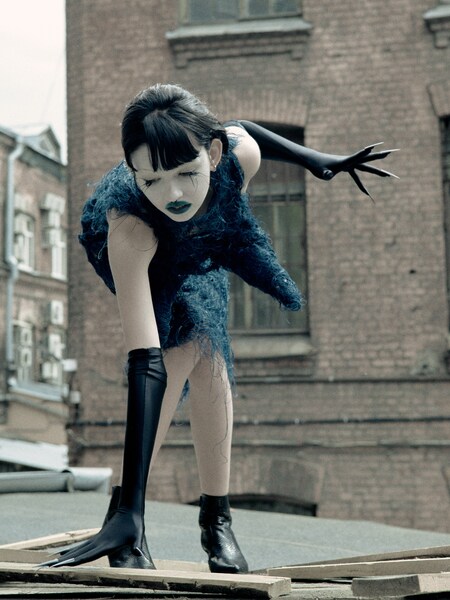
Паук
Хрупкая и жёсткая система одновременно.
Цвет проявляется через структуру и
напряжение формы.
Исходный размер 2048x2560
Исходный размер 1920x2560
0
0
0
0
0
0
0
Исходный размер 2560x1920
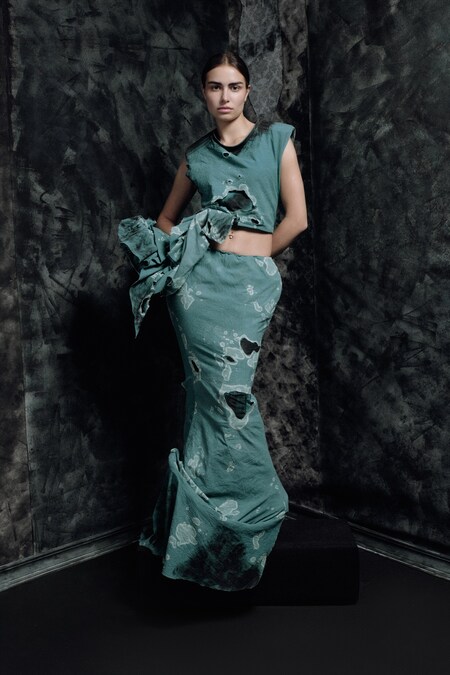
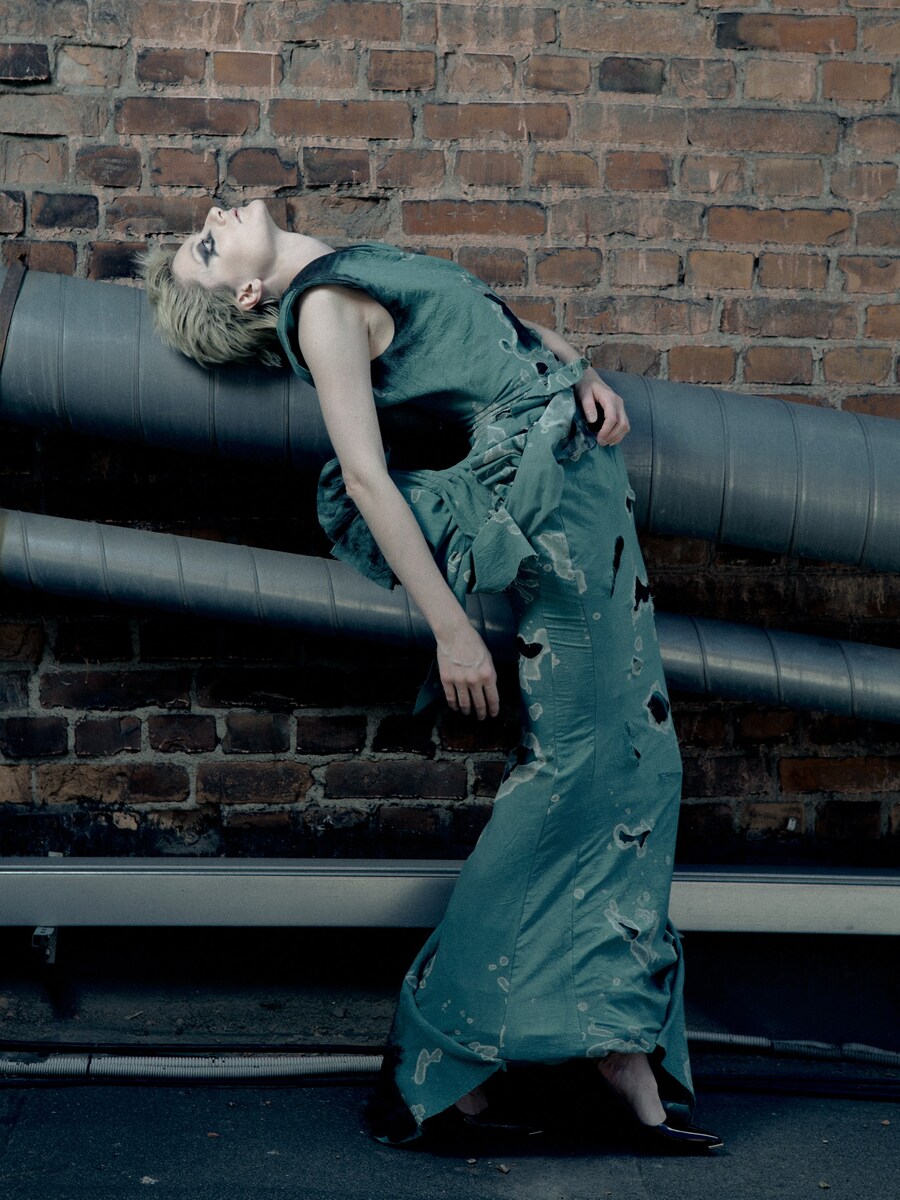
Фантик
Смятая поверхность ломает цвет и свет.
Alexandrite становится нестабильным и фрагментированным.
Исходный размер 1707x2560
0
0
0
0
0
0
0
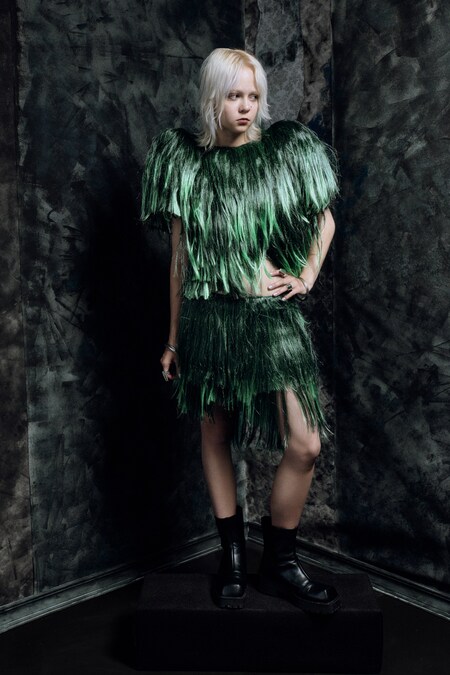
Панк
Искусственный цвет как способ создать новую поверхность тела.
Исходный размер 2048x2560
0
0
0
0
0
0
0
Исходный размер 2560x1703
0
0
0
0
0
Малярное ведро
Случайная текстура разрушения.
Цвет перестаёт быть декоративным и
становится следом времени и среды.
Мы используем файлы cookies для улучшения работы сайта и большего удобства его использования. Более подробную информац...
Показать больше
Press space bar to start a drag.
When dragging you can use the arrow keys to move the item around and escape to cancel.
Some screen readers may require you to be in focus mode or to use your pass through key
Press space bar to start a drag.
When dragging you can use the arrow keys to move the item around and escape to cancel.
Some screen readers may require you to be in focus mode or to use your pass through key
Press space bar to start a drag.
When dragging you can use the arrow keys to move the item around and escape to cancel.
Some screen readers may require you to be in focus mode or to use your pass through key
Press space bar to start a drag.
When dragging you can use the arrow keys to move the item around and escape to cancel.
Some screen readers may require you to be in focus mode or to use your pass through key
Press space bar to start a drag.
When dragging you can use the arrow keys to move the item around and escape to cancel.
Some screen readers may require you to be in focus mode or to use your pass through key
Press space bar to start a drag.
When dragging you can use the arrow keys to move the item around and escape to cancel.
Some screen readers may require you to be in focus mode or to use your pass through key
Press space bar to start a drag.
When dragging you can use the arrow keys to move the item around and escape to cancel.
Some screen readers may require you to be in focus mode or to use your pass through key
Press space bar to start a drag.
When dragging you can use the arrow keys to move the item around and escape to cancel.
Some screen readers may require you to be in focus mode or to use your pass through key
Press space bar to start a drag.
When dragging you can use the arrow keys to move the item around and escape to cancel.
Some screen readers may require you to be in focus mode or to use your pass through key