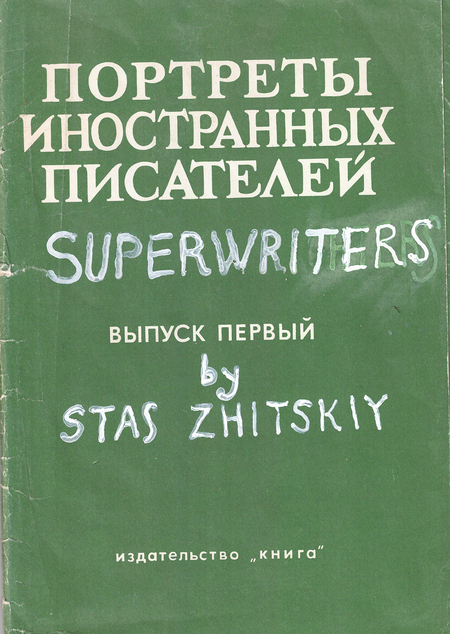
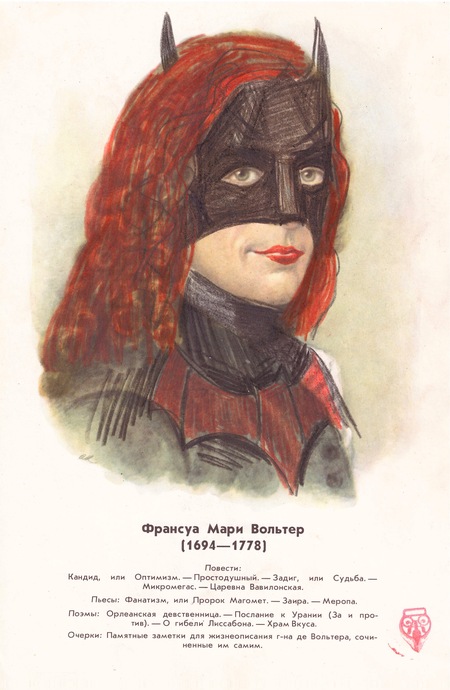
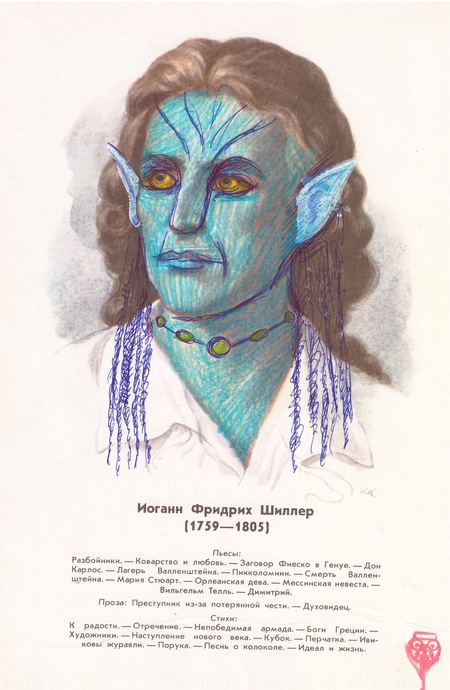
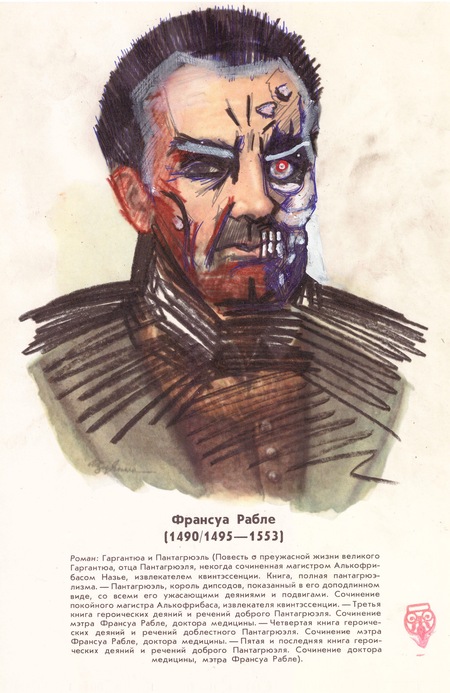
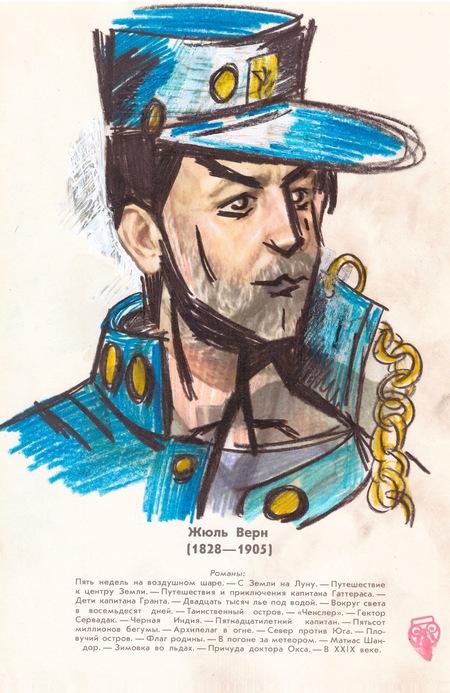
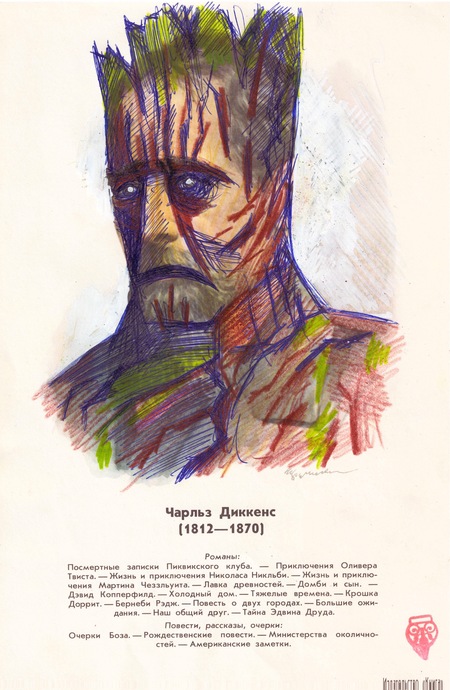
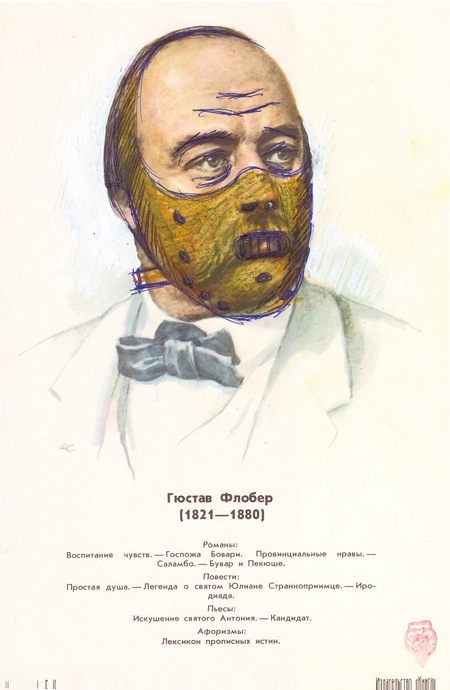
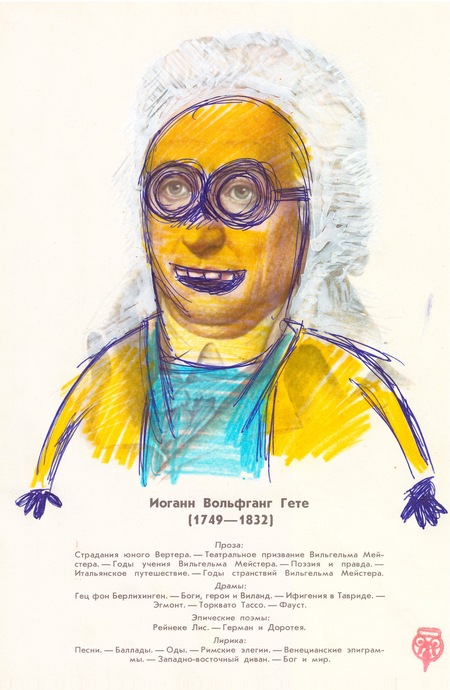
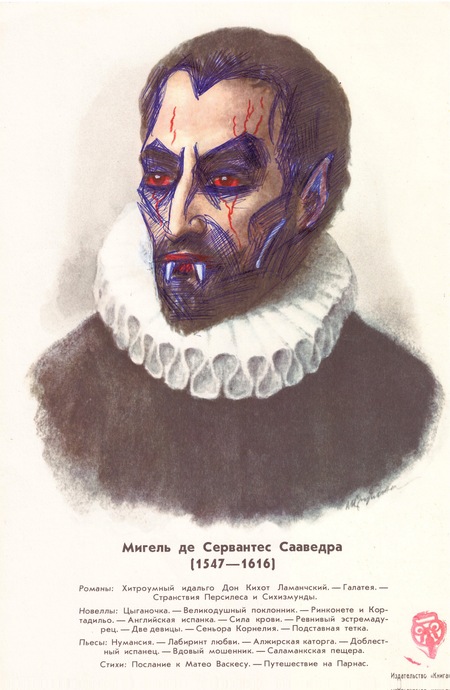
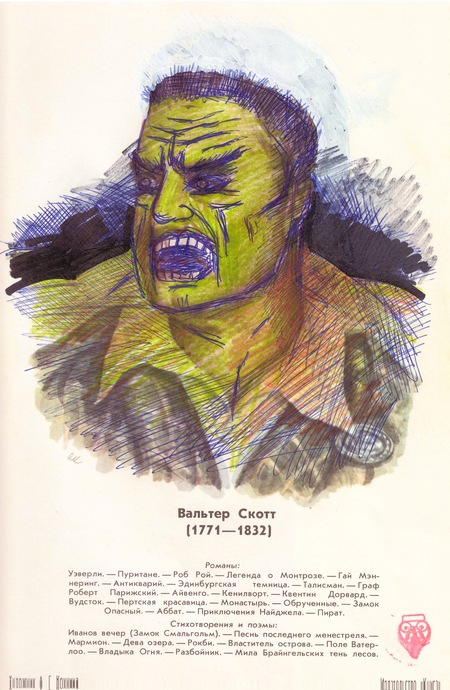
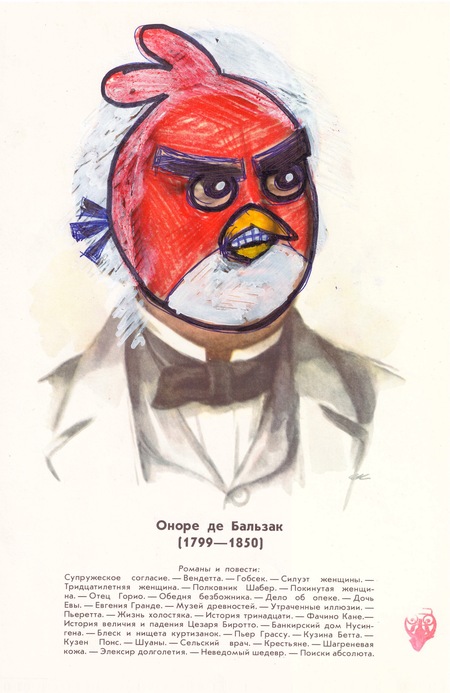
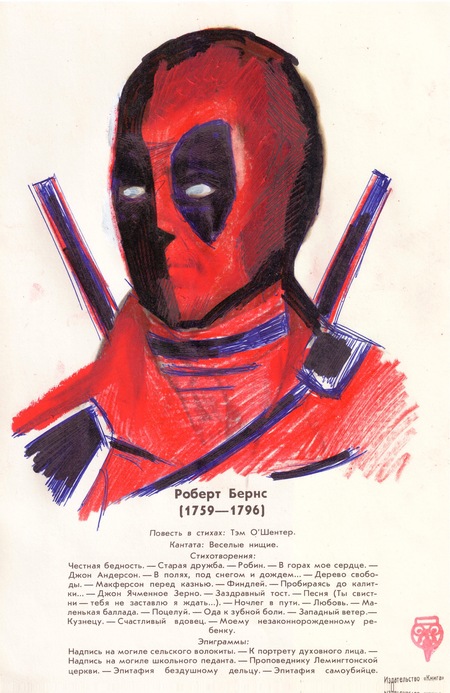
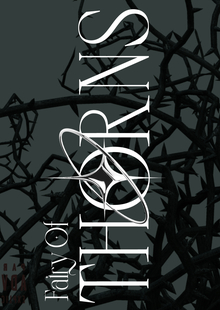
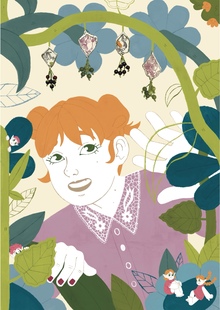
Елизавета Левина создала шрифт «Терновая Фея» для книжного фестиваля на Левашовском хлебозаводе. Шрифт разработан на основе исторических референсов винтажных книжных обложек фэнтезийных произведений в современном дизайне.
Нихат Караев создал саунд-дизайн для рекламных роликов сети японских бистро J’PAN. Проект включал подбор музыки, озвучку персонажей и оригинальную запись звука воды в анимации.
Алёна Белова создала визуальный стиль для альбома "O My Heart" группы Mother Mother. Проект включает анализ текстов и настроение от прослушивания для формирования образов и сюжетов.
Екатерина Овсянникова создала иллюстрации животных китайского зодиака под влиянием стихии дерева. Проект включает в себя текст, описывающий связь между годами, животными и первоэлементами восточного календаря.
brnd
For us, a startup is a creative and innovative project with great potential for growth. We are dedicated to finding the best projects and helping them refine their concept, develop branding, and create effective promotion strategies. We also invest in production and replication to ensure their success. Are you ready to take your business to the next level? Join our startup incubator program and let us help you grow.
We use cookies to improve the operation of the website and to enhance its usability. More detailed information on the use of cookies can be fo...
Show more
Press space bar to start a drag.
When dragging you can use the arrow keys to move the item around and escape to cancel.
Some screen readers may require you to be in focus mode or to use your pass through key
Press space bar to start a drag.
When dragging you can use the arrow keys to move the item around and escape to cancel.
Some screen readers may require you to be in focus mode or to use your pass through key
Press space bar to start a drag.
When dragging you can use the arrow keys to move the item around and escape to cancel.
Some screen readers may require you to be in focus mode or to use your pass through key
Press space bar to start a drag.
When dragging you can use the arrow keys to move the item around and escape to cancel.
Some screen readers may require you to be in focus mode or to use your pass through key
Press space bar to start a drag.
When dragging you can use the arrow keys to move the item around and escape to cancel.
Some screen readers may require you to be in focus mode or to use your pass through key
Press space bar to start a drag.
When dragging you can use the arrow keys to move the item around and escape to cancel.
Some screen readers may require you to be in focus mode or to use your pass through key
Press space bar to start a drag.
When dragging you can use the arrow keys to move the item around and escape to cancel.
Some screen readers may require you to be in focus mode or to use your pass through key
Press space bar to start a drag.
When dragging you can use the arrow keys to move the item around and escape to cancel.
Some screen readers may require you to be in focus mode or to use your pass through key
Press space bar to start a drag.
When dragging you can use the arrow keys to move the item around and escape to cancel.
Some screen readers may require you to be in focus mode or to use your pass through key
Press space bar to start a drag.
When dragging you can use the arrow keys to move the item around and escape to cancel.
Some screen readers may require you to be in focus mode or to use your pass through key
Press space bar to start a drag.
When dragging you can use the arrow keys to move the item around and escape to cancel.
Some screen readers may require you to be in focus mode or to use your pass through key
Press space bar to start a drag.
When dragging you can use the arrow keys to move the item around and escape to cancel.
Some screen readers may require you to be in focus mode or to use your pass through key
Press space bar to start a drag.
When dragging you can use the arrow keys to move the item around and escape to cancel.
Some screen readers may require you to be in focus mode or to use your pass through key