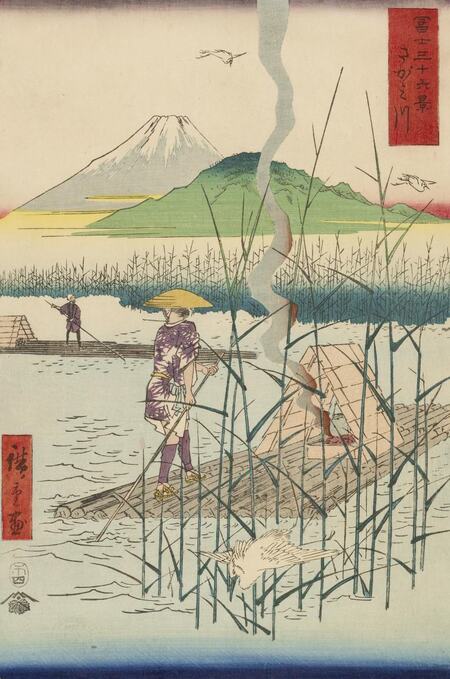
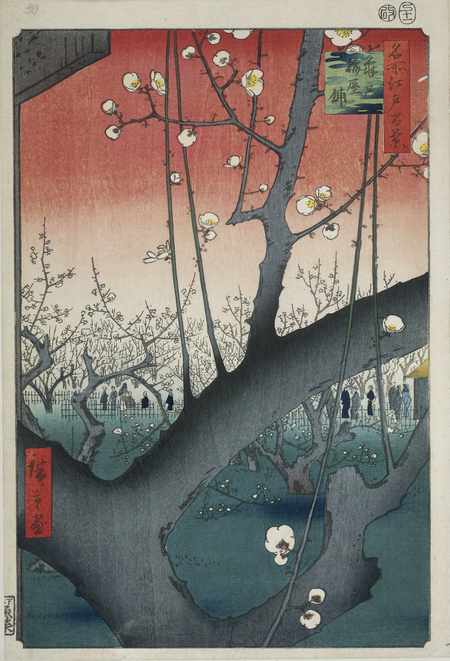
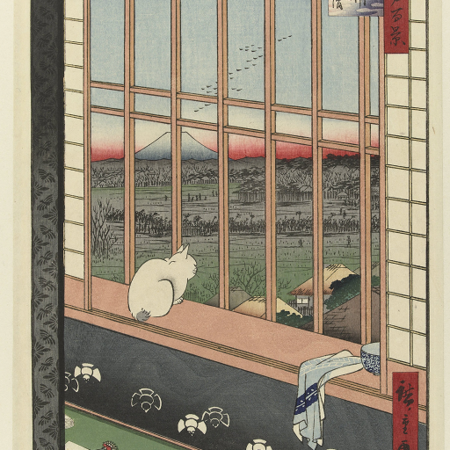
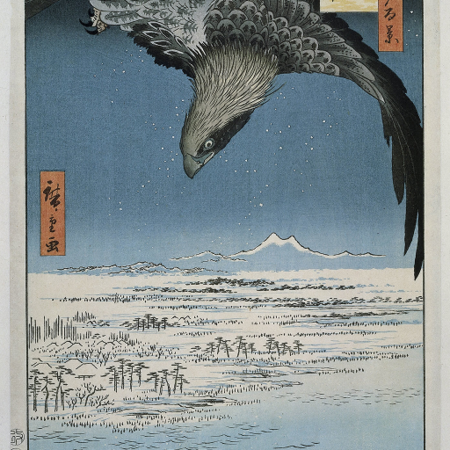
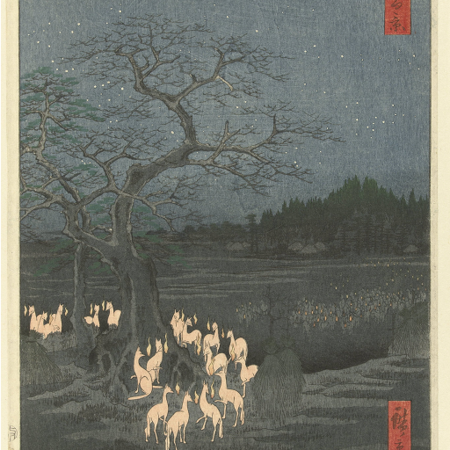
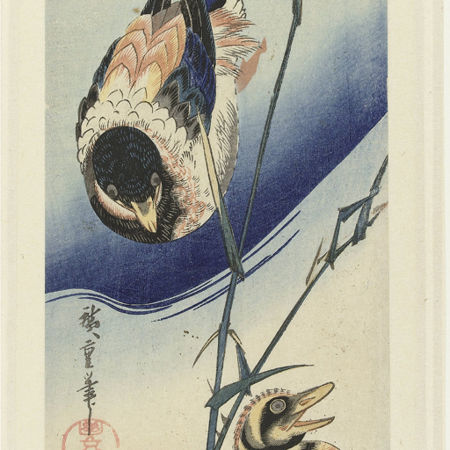
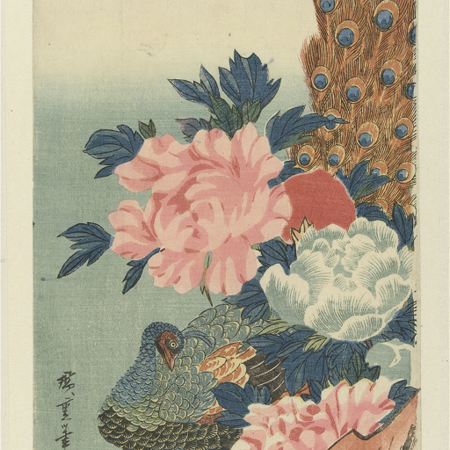
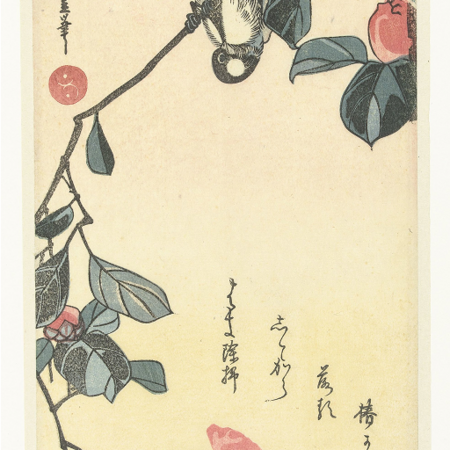
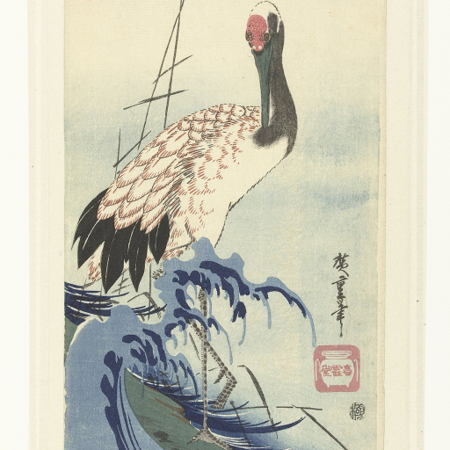
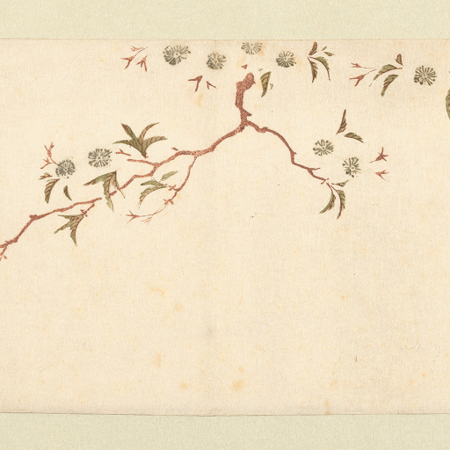
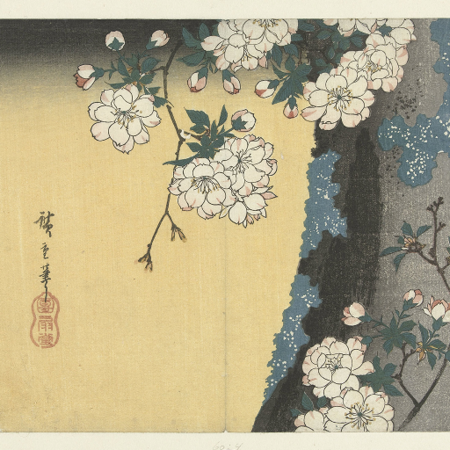
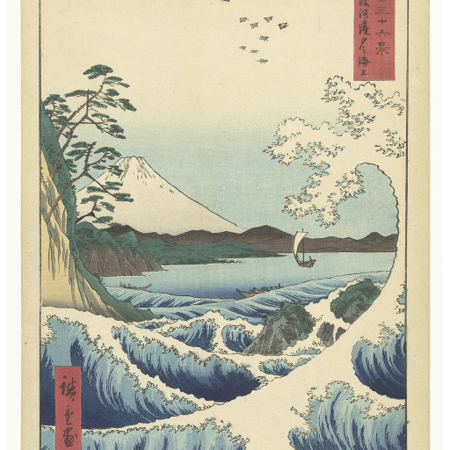
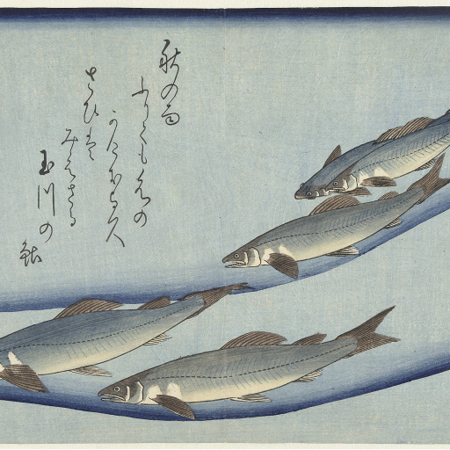
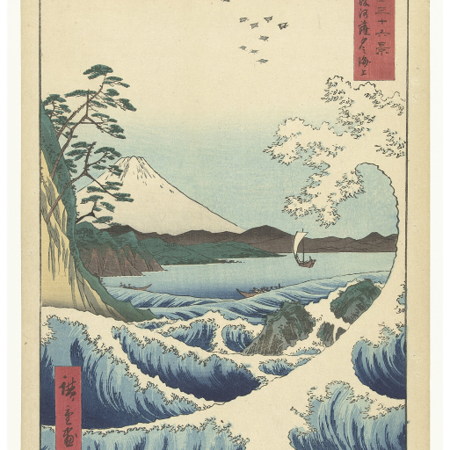
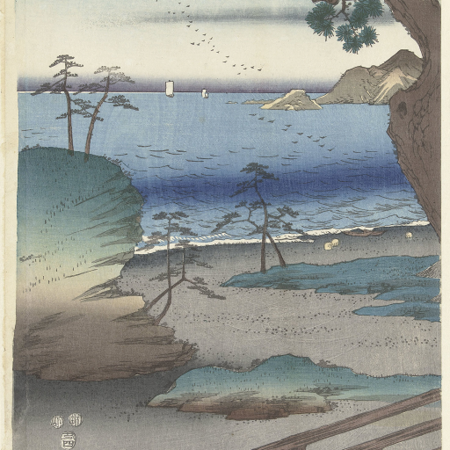
Утагава Хиросигэ — известный японский художник, работавший преимущественно в технике укиё-э, доживший до середины XIX века. Он изображал пейзажи, птиц, растения, людей в бесстрастной манере и нейтральному отношению к нарративу иллюстраций.
The Sagami River, 1858 // The Plum Park in Kameido, 1857
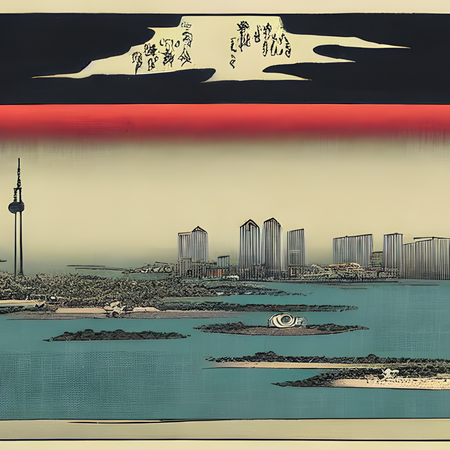
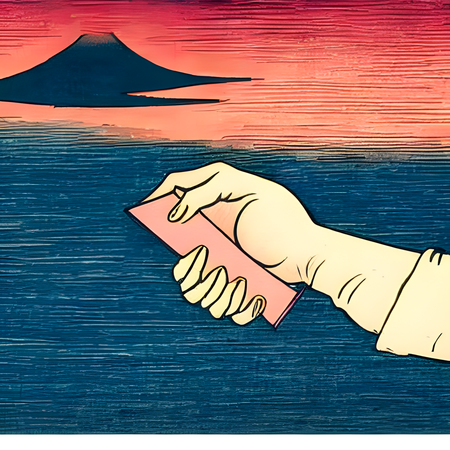
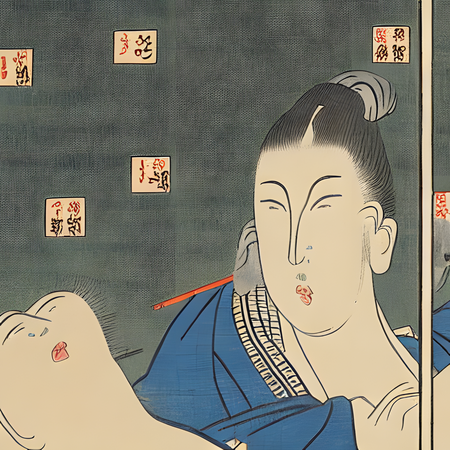
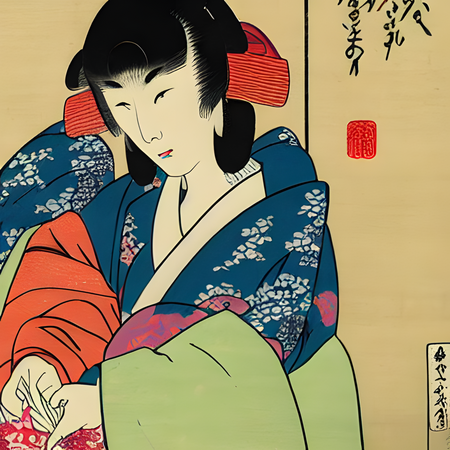
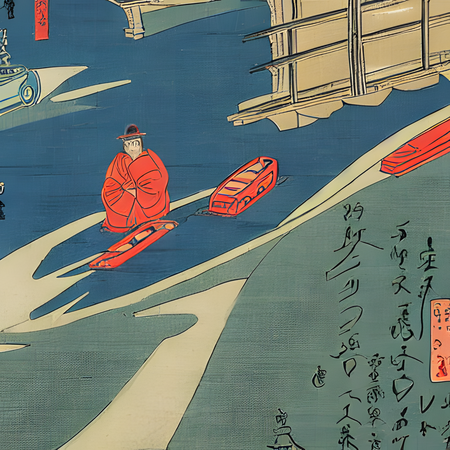
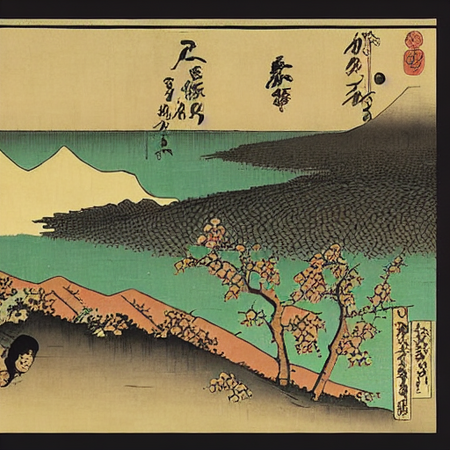
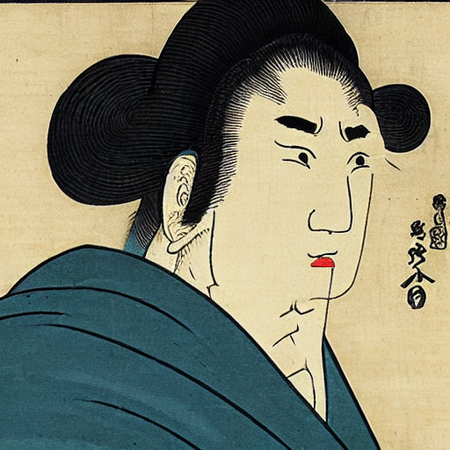
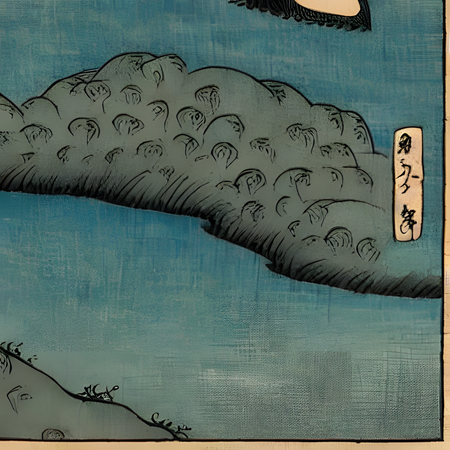
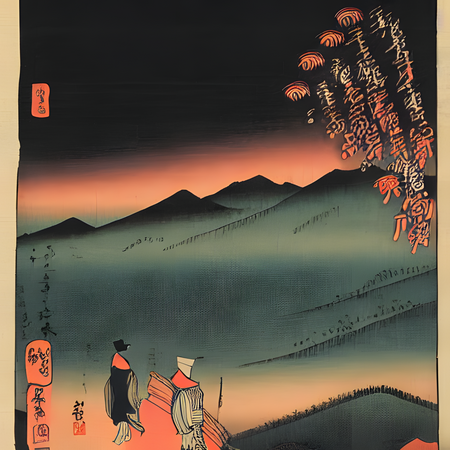
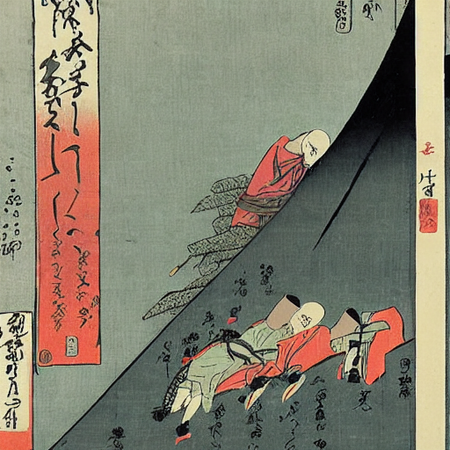
Моя концепция заключается в гипотезе: как бы выглядел стиль Хиросигэ, если бы он иллюстрировал типовой провокационный драматичный роман современности? Красивые пейзажи, меланхоличные цветы в тумане, пара возлюбленных, которые не могут быть вместе — знакомые тропы в произведениях, вызывающих эмоции. Помимо них, я моих промптах присутствует несостыковка эпох: в некоторых генерациях видны машины, небоскребы, нетипичные для XIX века Японии концепции. Обученная мной модель Stable Diffusion (v1-4) попытается передать эти ощущения и экспериментальные образы и паттерны.
И
з
о
б
р
а
ж
е
н
и
я
д
л
я
о
б
у
ч
е
н
и
я
И
т
о
г
о
в
ы
е
г
е
н
е
р
а
ц
и
и
Исходный размер 3360x436
П
р
о
ц
е
с
с
и
р
е
з
у
л
ь
т
а
т
Учитывая, что ГенИИ училась на 14 картинах Хиросигэ, её генерации показались мне достаточно опытными и удачными. Несмотря на перекрученную насыщенность и исчезнувшую песочную текстуру бумаги, укиё-э как стиль сохранился во всех изображениях. Также модель не смогла создать точные очертания тел в нетипичном положении, машин XXI века (заменив их лодками) и книгами в европейском переплете, однако она отлично справилась в 2 генерацией с небоскребами современного Токио, а также знает об известной телебашне.
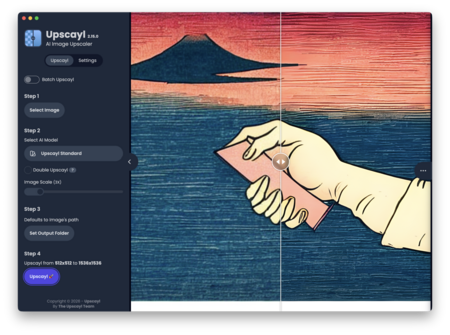
Для качественной презентации генерации были улучшены в разрешении с помощью сервиса Upscayl (3х)
Как итог, Stable Diffusion уловила константы стиля и тематик творчества Хиросигэ, сделав неплохие попытки выйти из своевременной эпохи и рассказав визуально историю новых романтических нарративов.
Мы используем файлы cookies для улучшения работы сайта и большего удобства его использования. Более подробную информац...
Показать больше
Press space bar to start a drag.
When dragging you can use the arrow keys to move the item around and escape to cancel.
Some screen readers may require you to be in focus mode or to use your pass through key
Press space bar to start a drag.
When dragging you can use the arrow keys to move the item around and escape to cancel.
Some screen readers may require you to be in focus mode or to use your pass through key
Press space bar to start a drag.
When dragging you can use the arrow keys to move the item around and escape to cancel.
Some screen readers may require you to be in focus mode or to use your pass through key
Press space bar to start a drag.
When dragging you can use the arrow keys to move the item around and escape to cancel.
Some screen readers may require you to be in focus mode or to use your pass through key
Press space bar to start a drag.
When dragging you can use the arrow keys to move the item around and escape to cancel.
Some screen readers may require you to be in focus mode or to use your pass through key
Press space bar to start a drag.
When dragging you can use the arrow keys to move the item around and escape to cancel.
Some screen readers may require you to be in focus mode or to use your pass through key
Press space bar to start a drag.
When dragging you can use the arrow keys to move the item around and escape to cancel.
Some screen readers may require you to be in focus mode or to use your pass through key
Press space bar to start a drag.
When dragging you can use the arrow keys to move the item around and escape to cancel.
Some screen readers may require you to be in focus mode or to use your pass through key
Press space bar to start a drag.
When dragging you can use the arrow keys to move the item around and escape to cancel.
Some screen readers may require you to be in focus mode or to use your pass through key
Press space bar to start a drag.
When dragging you can use the arrow keys to move the item around and escape to cancel.
Some screen readers may require you to be in focus mode or to use your pass through key
Press space bar to start a drag.
When dragging you can use the arrow keys to move the item around and escape to cancel.
Some screen readers may require you to be in focus mode or to use your pass through key
Press space bar to start a drag.
When dragging you can use the arrow keys to move the item around and escape to cancel.
Some screen readers may require you to be in focus mode or to use your pass through key
Press space bar to start a drag.
When dragging you can use the arrow keys to move the item around and escape to cancel.
Some screen readers may require you to be in focus mode or to use your pass through key
Press space bar to start a drag.
When dragging you can use the arrow keys to move the item around and escape to cancel.
Some screen readers may require you to be in focus mode or to use your pass through key
Press space bar to start a drag.
When dragging you can use the arrow keys to move the item around and escape to cancel.
Some screen readers may require you to be in focus mode or to use your pass through key
Press space bar to start a drag.
When dragging you can use the arrow keys to move the item around and escape to cancel.
Some screen readers may require you to be in focus mode or to use your pass through key
Press space bar to start a drag.
When dragging you can use the arrow keys to move the item around and escape to cancel.
Some screen readers may require you to be in focus mode or to use your pass through key